10 Best Mac Email Client Free Options for 2026
Compare the best Mac Email Client Free options for 2026: account support, inbox tools, and pricing limits, with honest notes on each free plan’s trade-offs.

You've got personal Gmail in a browser tab, work email in Outlook, an iCloud address for receipts, and a custom-domain mailbox for client enquiries. Newsletters keep pushing actual conversations down the screen. You want everything on your Mac, but you don't want another subscription just to answer messages.
Searching for “Mac email client free” brings up several different offers. Some apps are free without an upgrade tier. Others let you connect accounts but reserve useful actions for subscribers. A free trial is different again, particularly when it requires a card and starts billing automatically.
The right choice depends on where the free version stops working for your setup. An account cap matters more than an attractive interface if you manage several identities. A device allowance matters if you move between computers. Calendar support matters if most replies turn into meetings.
There's another distinction: reading mail inside an app doesn't necessarily make those mailboxes accessible to other software. Built-in AI drafting isn't the same as giving an external agent controlled access to search and organise your accounts.
Choose the restriction you can live with before choosing the interface you like.
These options include free clients, restricted free tiers, and a clearly identified paid-service trial. Start with the account and device limits, then check what happens to your mail when you leave.
1. Sickle
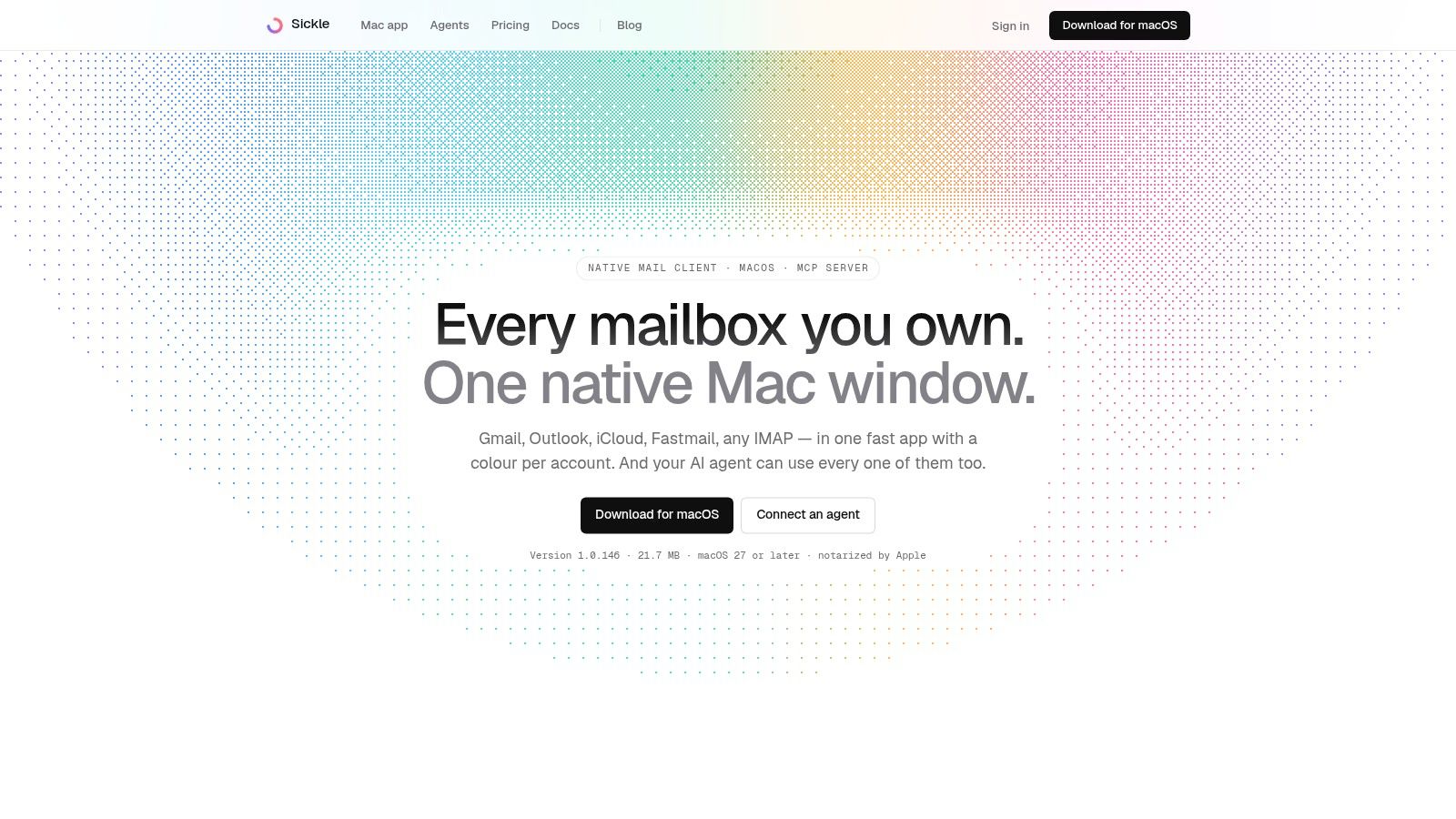
The restriction is the trial, not a stated account cap. Our service is subscription-based, so it isn't a permanent free option. Checkout requires a card, and the seven-day trial converts to paid billing unless cancelled.
Our native Mac client combines Gmail, Outlook, iCloud, Fastmail, Yahoo and other IMAP mailboxes, with no stated account limit. One subscription includes the app and hosted MCP connector, which lets compatible agents such as Claude, Codex and Cursor search, read and organise those same mailboxes. The listed plans are $8.99 monthly or $30 annually.
Shared mailboxes, different access paths
The connector works without the Mac app running and can be used from agents on other operating systems. When an agent archives a message, that change appears in the app because both access the same underlying mailbox.
- Controlled permissions: Scoped, revocable keys separate read, change and send access. No listed agent tool permanently deletes messages.
- Account separation: Adjustable account colours help distinguish personal correspondence from client replies.
- Grouped cleanup: The cleaner groups mailing lists, older mail and messages by sender. Unsubscribing also clears associated historical messages, so review the selection first.
The privacy boundary deserves attention. Mail read in our Mac app downloads directly from your provider, and messages sent from the app go directly to that provider. The app's sandboxed local cache is removed on sign-out; hosted agent access is a separate route, with mailbox sign-ins retained by your account so access doesn't depend on the Mac being on.
Best fit: Users who need combined inbox management and external agent access. The desktop app is macOS-only, and users seeking indefinite no-cost access should choose another option.
2. Apple Mail
Apple Mail has no paid feature tier to work through. It's included with macOS and handles multiple personal and work accounts. The main trade-off is platform flexibility and specialised workflow tooling, rather than an upgrade prompt.
Apple Mail provides search, mailbox organisation, scheduled sending and follow-up reminders. It's a sensible baseline before installing anything else: connect your accounts, confirm their folders, and see whether ordinary mailbox organisation solves the problem.
Start with the workflow you already have
For a mixed Gmail, iCloud and work setup, keep account-specific inboxes visible even if you primarily use the combined view. Check the sending address before replying to a thread forwarded between identities. A unified inbox shouldn't hide which account owns the conversation.
Apple documents how Mail Privacy Protection can prevent senders from learning information about you. That protection isn't a promise that your email provider stops processing mail, nor does it describe every other application's data handling.
- What works: Everyday correspondence without a subscription decision.
- What's missing: A built-in hosted connector that exposes connected mailboxes to external agents.
Before replacing the app over inbox clutter, try a deliberate cleanup pass. This guide to deleting multiple emails on a Mac explains bulk selection and removal. Archive correspondence you may need, and reserve deletion for messages you've reviewed.
3. Mozilla Thunderbird
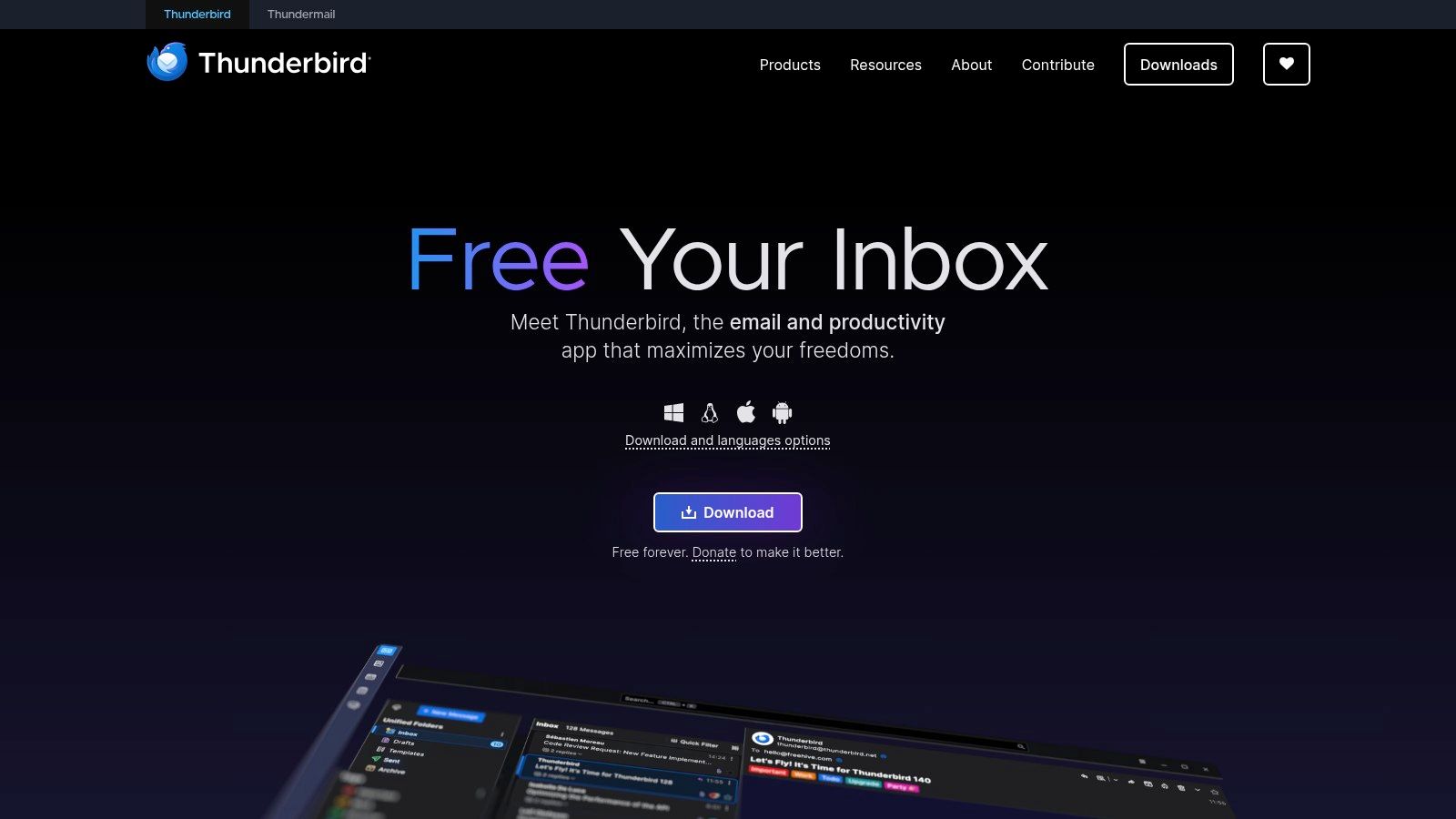
Thunderbird doesn't reserve a premium feature set for subscribers. Its cost is the attention needed to configure a more involved desktop client. That's a reasonable exchange if you value control over a simplified setup.
Mozilla Thunderbird is free and open source, with versions for macOS, Windows and Linux. Multiple accounts, unified folders, calendar, contacts and OpenPGP support make it useful when you want more than an inbox without adding a subscription.
For a company-operated mailbox, get the incoming server, outgoing server and authentication requirements right before adjusting the interface. An IMAP email client should reflect the provider's folders rather than become an accidental local-only archive.
Setup advice: Confirm Sent, Drafts, Archive and Trash mappings before moving important correspondence in bulk.
Thunderbird's add-ons are useful, but installing several immediately makes troubleshooting harder. Start with the built-in features, then add only what fixes a specific missing action.
The practical limit is complexity. You may spend longer choosing layouts, filters and extensions than you would in Apple Mail. Thunderbird also isn't a built-in hosted mailbox connector for external agents.
I'd choose it for a cross-platform desktop workflow, especially when calendar and encryption tools matter. I wouldn't choose it solely to make an already simple inbox feel simpler.
4. Spark
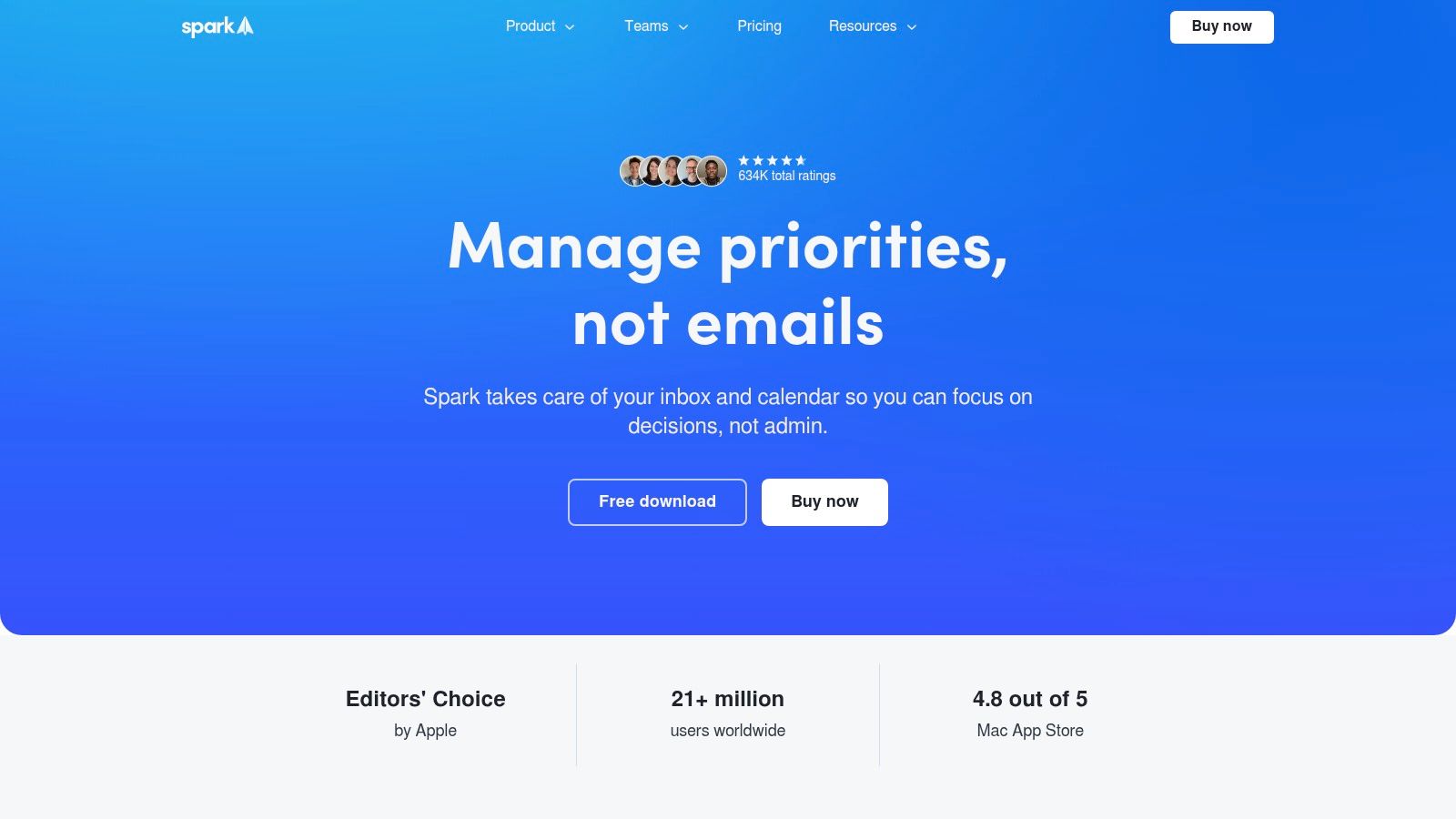
Spark's free plan supports multiple accounts, but advanced productivity and AI tools can require payment. Don't treat every feature on its marketing pages as part of the free experience.
Spark suits users who want help sorting incoming mail. Its Smart Inbox, snooze and scheduled sending support triage, while its availability beyond the Mac makes it relevant for people who switch devices.
Sorting helps only if you trust the categories
Connect your accounts and inspect where actual client messages land. A newsletter category is useful until a customer's automated order confirmation contains something you need to act on. Keep a routine for reviewing the full inbox rather than relying entirely on prioritisation.
- Good reason to choose it: You want a polished interface and incoming-mail organisation.
- Reason to pause: Your intended workflow depends on an advanced feature that isn't included in your plan.
- Different requirement: External agent access to connected mailboxes isn't the same thing as Spark's built-in assistance.
When managing multiple email accounts, check identity handling as carefully as sorting. Open a thread from each provider and confirm which address Spark selects for the reply.
The useful test isn't whether the app looks calmer. It's whether you can find an unanswered enquiry, reply from the correct account, and return to it later without searching every mailbox again.
5. Canary Mail
Canary separates account allowance from device allowance. The company says Canary Mail plans support unlimited accounts, but the free tier has device restrictions. That distinction matters if you expect the same free setup on a Mac, another computer and a phone.
Canary provides everyday inbox management, with paid tiers for advanced productivity, AI and security tools. Its availability on Mac, Windows and mobile makes it worth considering, but cross-platform availability doesn't mean every device is included in your chosen plan.
Read the privacy boundary, not just the feature label
Canary's FAQ describes server-side processing for cloud sync and push notifications. Don't assume that a security-focused product description means every operation happens locally. Identify which enabled features use cloud infrastructure before connecting sensitive work mail.
- Account fit: Useful when you need several providers in a unified inbox.
- Upgrade boundary: Advanced AI and security capabilities may sit outside the free tier.
- Device fit: Confirm the free allowance covers the devices you use.
Try ordinary tasks before evaluating optional assistance. Pin a conversation, find an attachment, check a sent reply from another device, and confirm whether the feature you used remains available without upgrading.
Best fit: Someone who wants basic mail now and may deliberately pay for additional capabilities later. It's less suitable if you expect every advertised security and productivity feature to be free.
6. Mailspring
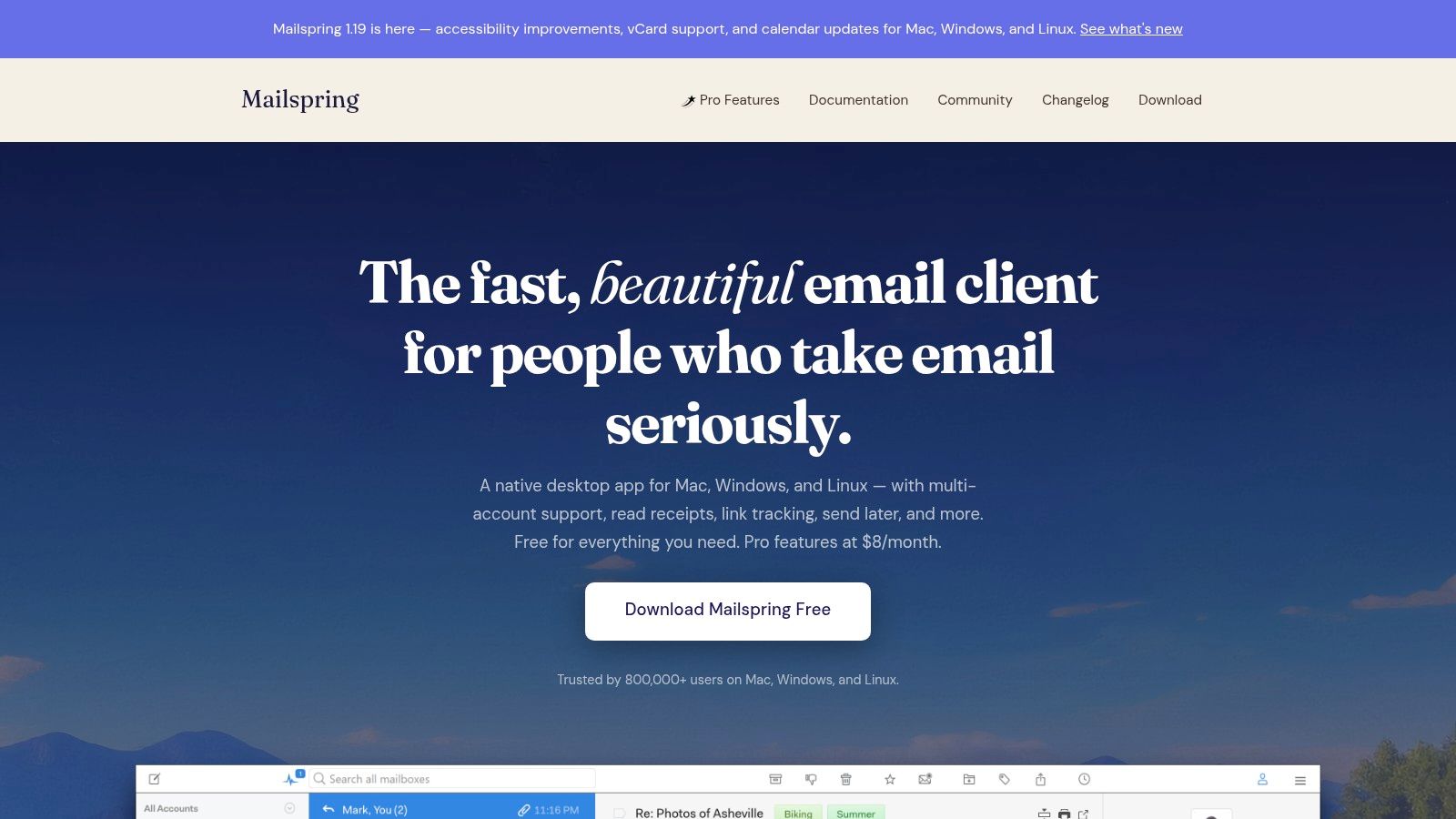
Read receipts, link tracking and reminders are Pro features. If those actions are essential, Mailspring's free client won't cover the whole workflow. If your priority is combining accounts and searching correspondence, the free version is more relevant.
Mailspring lists unlimited accounts on its free plan and runs on macOS, Windows and Linux. Its unified inbox and cross-account search make it a practical desktop option for a mix of personal and custom-domain mailboxes.
Say you receive client enquiries through a domain mailbox but handle purchasing through Gmail. Search for a supplier name across both accounts, then check the account attached to each result before replying. Consolidation should reduce repeated searching without obscuring ownership.
A missing mobile app matters more than a missing theme if you answer urgent messages from your phone.
No mobile app is listed by the vendor, so plan a separate mobile route through your provider or another client. Also distinguish shared server mail from app-specific preferences: messages can remain accessible elsewhere even when themes, signatures or local workflow settings don't follow you.
Choose Mailspring for desktop account consolidation. Don't choose it expecting a free sales-follow-up toolkit or a hosted agent connection. Test search using older correspondence and attachments, not just the fresh messages that are easiest to retrieve.
7. eM Client
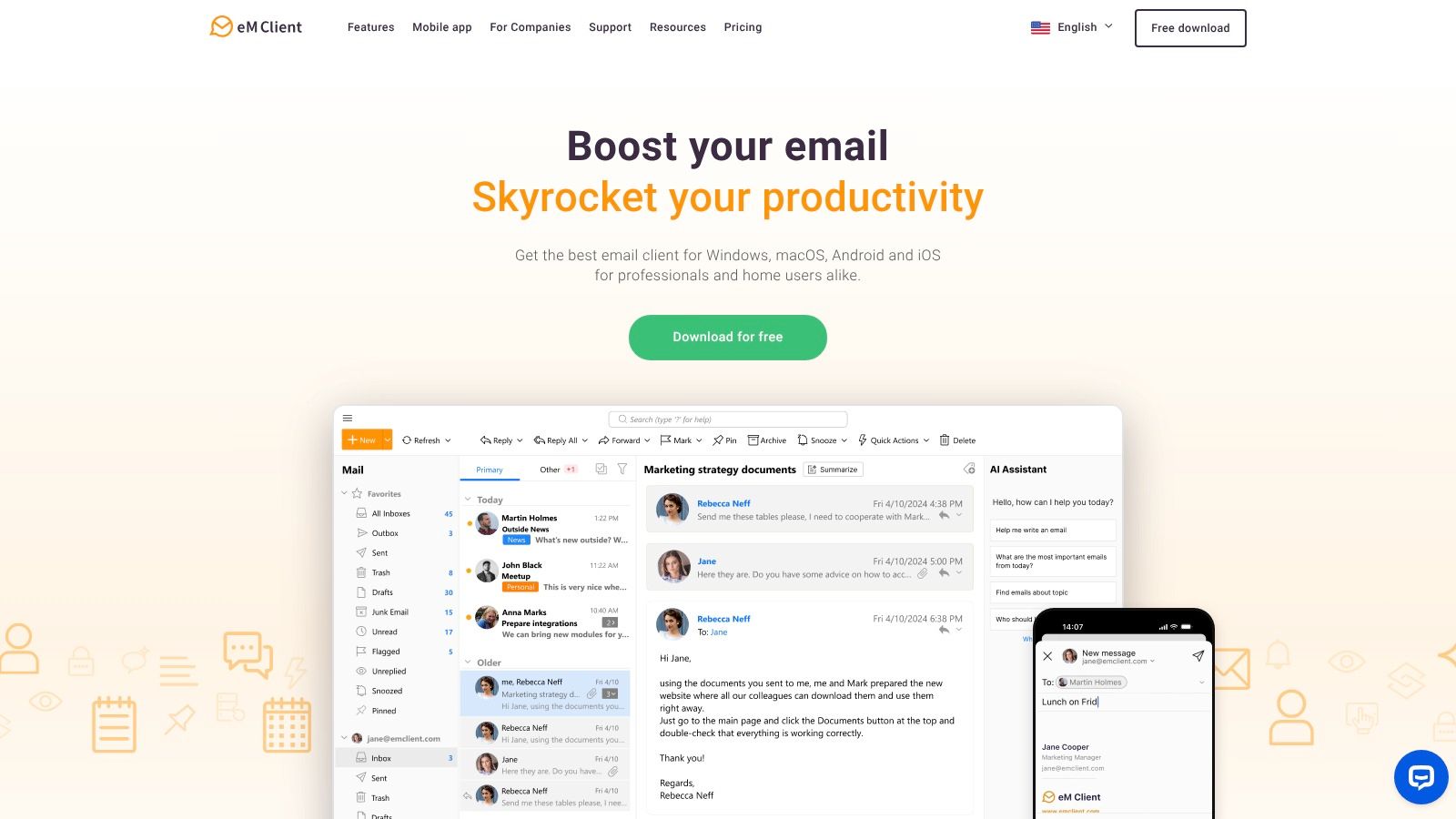
The free license is for non-commercial use and supports up to two email accounts, according to eM Client. That rules out the free edition for a larger account collection or a business workflow, regardless of how much you like the interface.
For an eligible home setup, eM Client combines email, calendar, contacts and tasks. Its Outlook-like layout can be appealing if you prefer related information together rather than separate applications.
The license comes before the feature list
A personal address and a household mailbox can be a sensible fit. Adding client correspondence changes the decision because account count isn't the only restriction. Don't interpret a successful account connection as confirmation that your use is permitted by the free license.
- Strong fit: Personal email with calendar, contact and task organisation.
- Hard stop: Commercial use doesn't fit the free license.
- Account boundary: A larger mailbox collection requires a different plan or client.
Encryption capabilities such as PGP and S/MIME may matter for your setup, but they don't remove the licensing restriction. Confirm the required feature's availability before building a routine around it.
I'd shortlist eM Client for home users who want a personal-information organiser. For professionals combining work and personal identities, I'd resolve licensing first rather than spend time configuring a free edition they can't keep using.
8. Microsoft Outlook for Mac
Free personal email access doesn't include every Microsoft subscription benefit. The free experience may include advertising, and some Microsoft 365 features require payment. Separate those restrictions from the basic ability to read and send mail.
Microsoft Outlook for Mac supports personal Outlook.com accounts and other providers, including Gmail, iCloud, Yahoo and IMAP. Email and calendar in the same application make it a natural candidate if appointments drive much of your correspondence.
For work accounts, follow your employer's access requirements. A client that supports your provider can still be unsuitable if the organisation restricts third-party access or requires a particular authentication method.
Test calendar behaviour alongside mail
Send an invitation, accept it from another account, and check the resulting calendar entry. Confirm which calendar receives new events and which address appears as organiser. Mail arriving successfully doesn't prove the calendar setup is correct.
For custom-domain configuration, email setup help for Melbourne homes provides a relevant Outlook setup reference.
Best fit: Users already comfortable with Outlook who want mail and calendar together. It's less compelling if you want a minimal, highly customisable, provider-neutral inbox.
Don't choose Outlook solely because a paid AI feature appears in a demonstration. Judge the free application on the actions you can continue using without that subscription.
9. BlueMail
BlueMail's free offer is for personal use, and some advanced features are paid. Its main appeal is access across operating systems rather than a Mac-specific workflow.
BlueMail's Mac app combines multiple accounts through a unified inbox and includes sender-based grouping. The wider product is available on Windows, Linux and mobile, which makes it relevant when your Mac isn't your only computer.
Sender grouping can help when newsletters and repeated notifications dominate your inbox. Still, inspect the messages within a group before clearing it. A sender may deliver both routine promotions and a receipt you need to retain.
- What works: Bringing personal accounts together across different platforms.
- What needs review: Which advanced actions remain free on the devices you use.
- What shouldn't be assumed: Identical settings, behaviour or entitlements everywhere because an app is available there.
Privacy review should cover notifications, sync, stored credentials and any optional cloud features. For a work mailbox, check those boundaries against employer policy before signing in.
Best fit: A mixed-device personal setup where consistent access matters more than Mac-only integration. Test a complete round trip: read on the Mac, archive on another device, then verify the result in your provider's webmail. That tells you more than a clean-looking unified inbox alone.
10. Airmail
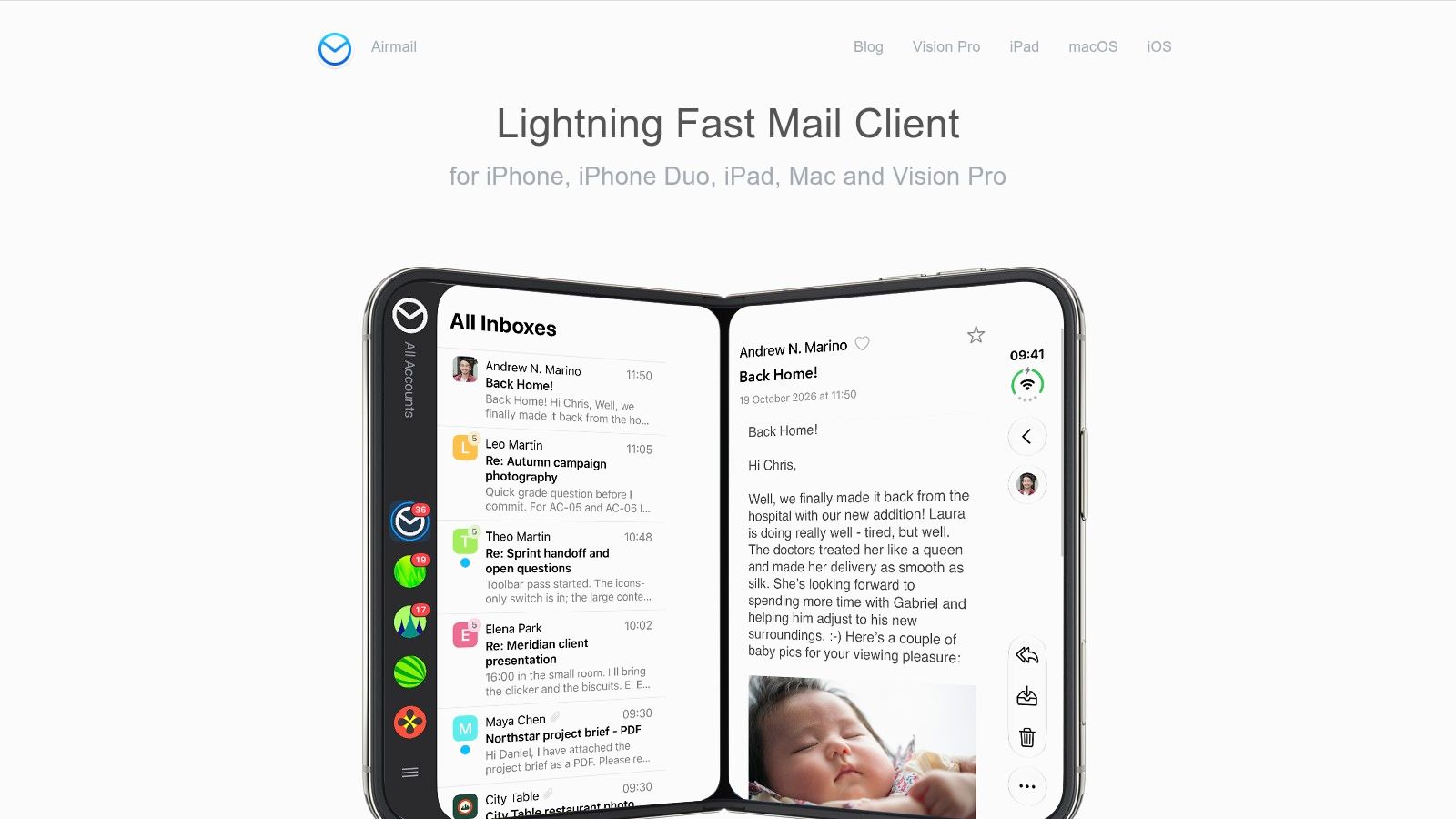
Airmail's free version is limited to one account, according to Airmail. If your reason for switching is to combine personal, work and custom-domain inboxes, that restriction ends the free-tier evaluation immediately.
Airmail is more relevant when you want an Apple-focused client and are willing to consider Pro for customisation. Multiple accounts, custom actions, snoozing and scheduled sending belong to the paid side of the comparison.
Useful trial, narrow free workflow
For a single mailbox, the free version lets you assess basic reading and composing. Check whether the layout, keyboard behaviour and message handling suit you before considering an upgrade. Don't build a workflow around Pro actions and then judge the free version by that experience.
- Good reason to try it: You're evaluating the interface for a straightforward mailbox.
- Reason to choose elsewhere: Account consolidation must remain free.
- Upgrade decision: Custom actions and scheduling need to justify paying, not merely look convenient.
Airmail's distribution through the Mac App Store is useful for installation and subscription management, but it doesn't change the account restriction. Review the offer shown for your region rather than assuming every published price applies.
I'd treat Airmail as a narrowly usable free client and a route to evaluating its paid workflow. For a permanently free multi-account setup, start with an option that permits your mailbox collection.
How each free Mac email client handles access, accounts, and platforms
The useful comparison point is where access stops. A client can look generous on Mac and still tie you to one account, one device class, or one mailbox workflow. Check the account cap, the operating systems, and whether the same mail remains reachable outside the app.
| Item | Free access | Account limit | Platforms | Best for |
|---|---|---|---|---|
| Sickle | 7-day trial; then paid | No stated limit | macOS app; agent connector works across operating systems | Mac users who want combined inboxes and AI-agent access |
| Apple Mail | Included at no extra cost | Not stated | macOS | Simple, integrated Mac email |
| Mozilla Thunderbird | Free and open source | Multiple accounts; no limit stated | macOS, Windows, Linux | Customizable, cross-platform desktop email |
| Spark | Free plan available | Multiple accounts | Mac and other major platforms | Polished inbox triage across devices |
| Canary Mail | Free plan available | Unlimited accounts; device limits apply | Mac, Windows, mobile | Users seeking optional productivity and security upgrades |
| Mailspring | Free core client | Unlimited accounts | macOS, Windows, Linux | Consolidating multiple accounts on desktop |
| eM Client | Free personal-use license | Up to 2 accounts | macOS; other platforms not stated | Home users who want email, calendar, contacts, and tasks |
| Microsoft Outlook for Mac | Free for personal email use | Not stated | macOS | People using Microsoft services or the Outlook workflow |
| BlueMail | Free for personal use | Not stated | Mac, Windows, Linux, mobile | Users wanting a consistent client across platforms |
| Airmail | Free basic version | 1 account | Apple platforms | Apple users seeking a highly configurable client |
Sickle needs a separate reading from the desktop-only clients. Its Mac app is version 1.0.119, is 20.9 MB, and requires macOS 27 or later. It brings Gmail, Outlook, iCloud, Fastmail and other IMAP mailboxes into one app, with a colour per account. Mail sent from the Mac app goes straight to the provider, and mail read there is downloaded directly from the provider to the Mac.
The agent connector changes the access calculation. It works from any operating system, can be used without the Mac app, and sign-ins are kept by the Sickle account. One subscription covers the Mac app, every feature, every mailbox and the agent connector. The connector is not a separate add-on.
For the rest of the field, the trade-off is simpler. Apple Mail and Outlook stay inside the Mac side of the comparison. Thunderbird, Mailspring and BlueMail cover desktop systems beyond macOS. Spark, Canary and Airmail put more weight on device coverage, but their free terms still need checking against the exact accounts and devices you use. A multi-account Mac setup and an agent-accessible mailbox setup are different requirements, so choose the client by the limit that would interrupt your work.
Choosing the Free Mac Email Client That Fits Your Setup
Choose around the constraint that will interrupt your work. If you need several identities without paying, eliminate restrictive account tiers first. Apple Mail and Thunderbird deserve an early look, while Mailspring offers another desktop-focused route. Spark is worth evaluating when incoming-mail sorting is the main problem.
For calendar-heavy use, inspect invitations and account ownership rather than checking a calendar icon off a feature list. Thunderbird, eM Client and Outlook combine mail with related tools, but eM Client's free licensing restrictions remain decisive. A personal organiser and a business inbox aren't interchangeable use cases.
Device allowance needs its own decision. Canary's account support doesn't settle whether your whole device collection fits the free plan. Mailspring's desktop availability doesn't provide a mobile app. Airmail's restricted free account allowance won't solve a multi-inbox problem, however configurable the paid version may be.
Keep access independent of the interface
Your provider's webmail is a useful reference point. After archiving, moving or deleting a test message in a client, inspect the same mailbox there. Keep local-only folders separate from server folders so you know which messages remain reachable without that particular app.
External agent access is a different requirement from summaries or drafting inside a client. Decide whether an agent needs to search live mailboxes, whether it may change messages, and whether sending is necessary. Begin with read-only permissions where available, and practise revoking access before depending on automation.
Practical rule: Test the action you're most worried about, not just the feature you're most excited about.
Use the free tier with your real accounts for a week. Notice upgrade prompts, missing device access and actions that only worked during a premium trial. Review what an unsubscribe removes, where deleted messages go, and what signing out erases locally versus leaving on the provider.
The University of California, Irvine email-duration study associated longer daily email time with lower perceived productivity and higher measured stress. That supports a practical priority: fewer interruptions and missed obligations matter more than collecting features.
Finally, check signatures and reply identities for every account. You can browse signature template options, but keep work and personal details distinct. Commit only when you can find important mail, reply correctly, reverse mistakes and reach your messages outside the app.
Sickle combines supported mailboxes in a native Mac app and gives compatible AI agents controlled access to those same accounts through a hosted MCP connector. If cross-account cleanup and agent access matter more than staying on a permanent free tier, visit Sickle to review the trial and permission model before connecting your mailboxes.