Best Email Organizer App for 2026: 10 Tools Compared
Compare 10 email organizer apps for multiple accounts and inbox cleanup, with features, limits, pricing and who each suits best. Find your fit in 2026.

Your morning starts across four separate tabs. There's a work Gmail overflowing with project threads, a personal iCloud account collecting school updates, a client's Outlook inbox with an overdue approval, and an old Yahoo address buried under software receipts. Standard mail apps display those messages in reverse chronological order and leave the sorting to you.
The raw volume keeps climbing. The Radicati Group's Email Statistics Report, cited by Alfred's email overload breakdown, projected worldwide email traffic to grow from 319.6 billion messages per day in 2021 to 376.4 billion per day by 2025, alongside an increase of 447 million global users. That inflow translates straight into lost hours. A widely cited McKinsey analysis covered in this+that's email overload statistics estimates knowledge workers spend roughly 28% of their workweek managing email, or about 11 hours in a 40-hour week.
Solo practitioners and small firms feel that drag early, often juggling several client identities long before they decide to hire legal virtual assistants to share the triage load. A capable email organizer app should cut that overhead without forcing you to rebuild your habits from scratch.
Instead of scoring apps on visual polish, this comparison puts ten tools through three practical tests:
- Multi-provider consolidation: Can the app combine Gmail, Outlook, iCloud, and custom IMAP accounts cleanly without causing accidental replies from the wrong address?
- Existing-mail cleanup: Does it clear years of newsletters, stale unread threads, and bulk senders without wiping out receipts or client records?
- AI agent readiness: Can external AI tools read, search, or organize your mail under strict permissions, and what platform limits or pricing traps come attached?
1. Sickle
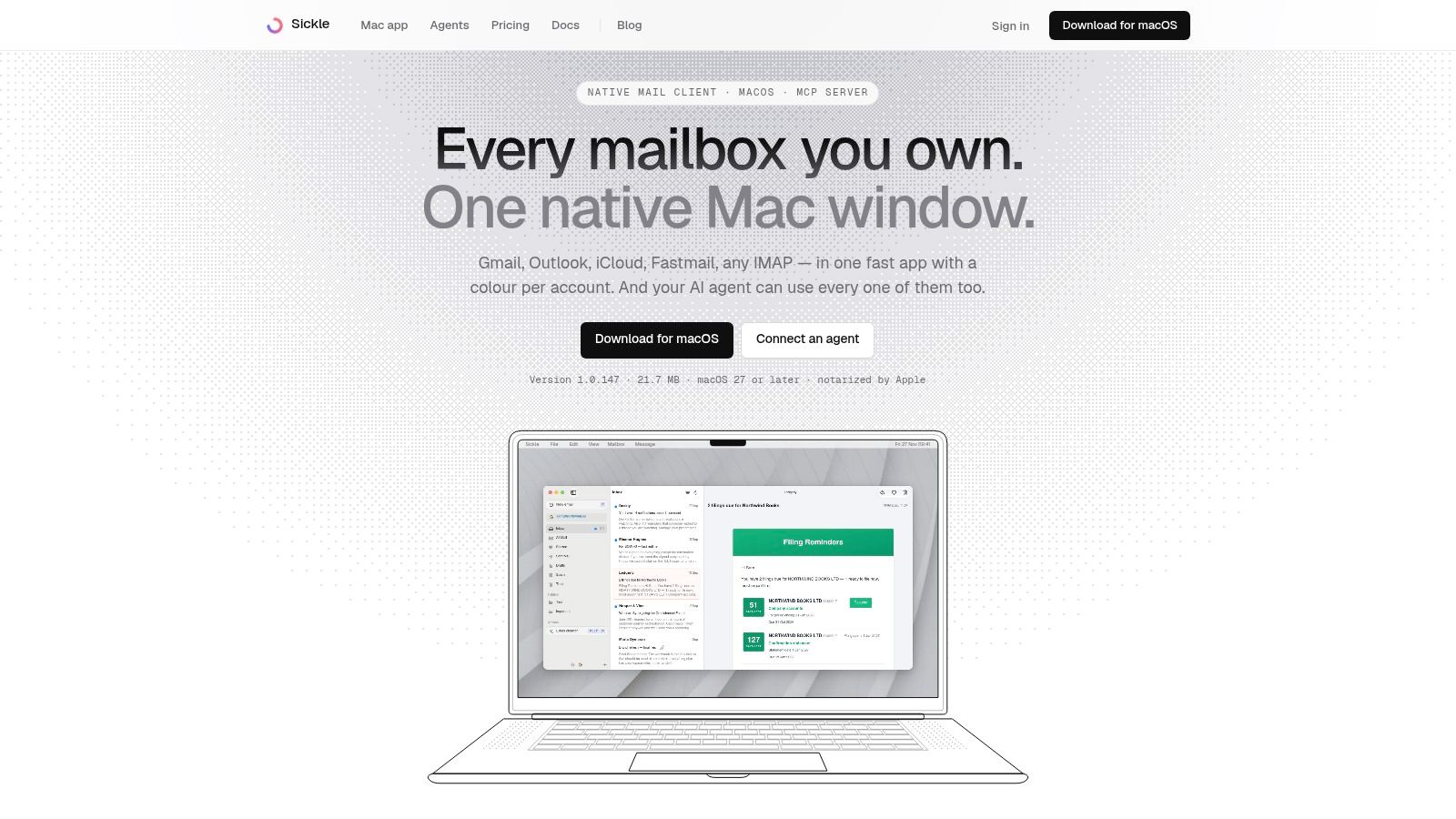
Most organizers force a choice: a fast desktop client, or an AI workflow that only sees one Gmail inbox. Sickle pairs a native macOS mail app with a remotely hosted Model Context Protocol (MCP) connector, so you and your AI agents work on the same mailboxes under one subscription.
Here's how the native macOS workspace groups connected accounts with distinct visual cues.
Multi-provider reach and cleanup
Account coverage is broad. The client signs in to Gmail and Outlook through OAuth (including Sign in with Microsoft for Outlook.com and Microsoft 365, with read access over IMAP and sending over SMTP) alongside iCloud, Fastmail, Yahoo, Mail.ru, and any custom IMAP server running SSL/TLS on port 993. Everything happens from a single sign-in sheet, using the full email address as the username, and there is no stated limit on connected accounts. Each mailbox gets an adjustable colour, which is the simplest possible guard against replying to a client from your personal address. Keyboard shortcuts (C to compose, R to reply, ⌘↩ to send) keep daily triage moving once muscle memory kicks in.
Pressing ⌘⇧K opens the Email cleaner, built for clearing years of accumulation rather than just today's inbox:
- Mailing lists with open data: Recurring newsletters appear alongside your opening statistics, and unsubscribing also clears the associated historical messages in one step.
- Stale unread filter: Isolates every message left unread for more than five days, so you can sweep through neglected mail in a single pass instead of hunting it thread by thread.
- Sender grouping and old mail: Groups accumulated threads by sender or age, which makes it easy to archive bulk notifications without touching active client conversations.
Scoped MCP access and trade-offs
Privacy hesitation is the main reason people keep AI out of their inboxes. In the 2025 U.S. News 360 Reviews privacy survey, 90% of U.S. adults reported concern about the privacy implications of AI, with 40% saying they were very concerned. Sickle's hosted MCP connector addresses that with scoped, revocable keys for Claude, Codex, and Cursor. You grant read (list, search, read), change (mark read, move, move to Trash, save drafts, attach files), or send permissions separately for each assistant, and you can revoke them yourself at sickle.app.
Permission check: No agent tool in the connector can permanently delete messages, and the send tool is marked so the assistant's app asks for your approval before any message goes out.
The shared-mailbox design cuts both ways. Because the app and connector operate on the same underlying mailboxes, an email your agent archives disappears from the Mac app immediately. That is exactly what you want when the agent is doing real cleanup, and exactly what you don't want if you expected it to work on a separate copy.
On the privacy side, mail read in the Mac app downloads straight from your provider to your Mac, where it sits in a sandboxed local cache that is erased on sign-out. Outgoing messages go directly from your Mac to your mail provider, and email content does not pass through Sickle's servers or server logs. The Mac app is also optional: you can sign in at sickle.app, add mailboxes there, and run the connector from any operating system, even with your Mac closed.
The trade-offs are real. The desktop app is macOS-only, with no Windows, Linux, or iOS version. Remote agent access means trusting Sickle to store your mailbox address, server settings, and sign-in credentials so the connector can authenticate on your behalf. Pricing is refreshingly flat, though: one subscription covers the app, every feature, every mailbox, and the connector at $8.99/month or $30/year. The seven-day trial requires a payment card up front and bills automatically unless you cancel, so set a reminder if you're only evaluating.
2. Spark
Your work PC is Windows, your personal laptop is a Mac, and your phone runs Android. Most Mac-first organizers leave you juggling two or three different inboxes. Spark covers Mac, Windows, iOS, and Android with one triage system that syncs across all of them.
The volume problem it addresses is real. In Emailgistics' 2026 email overload analysis, which cites Microsoft's 2025 Work Trend Index covering 31,000 knowledge workers across 31 markets, the average worker receives 117 emails and 153 Teams messages each day, an interruption roughly every two minutes during core hours.
Below is Spark's multi-account interface showing its priority sorting and triage controls.
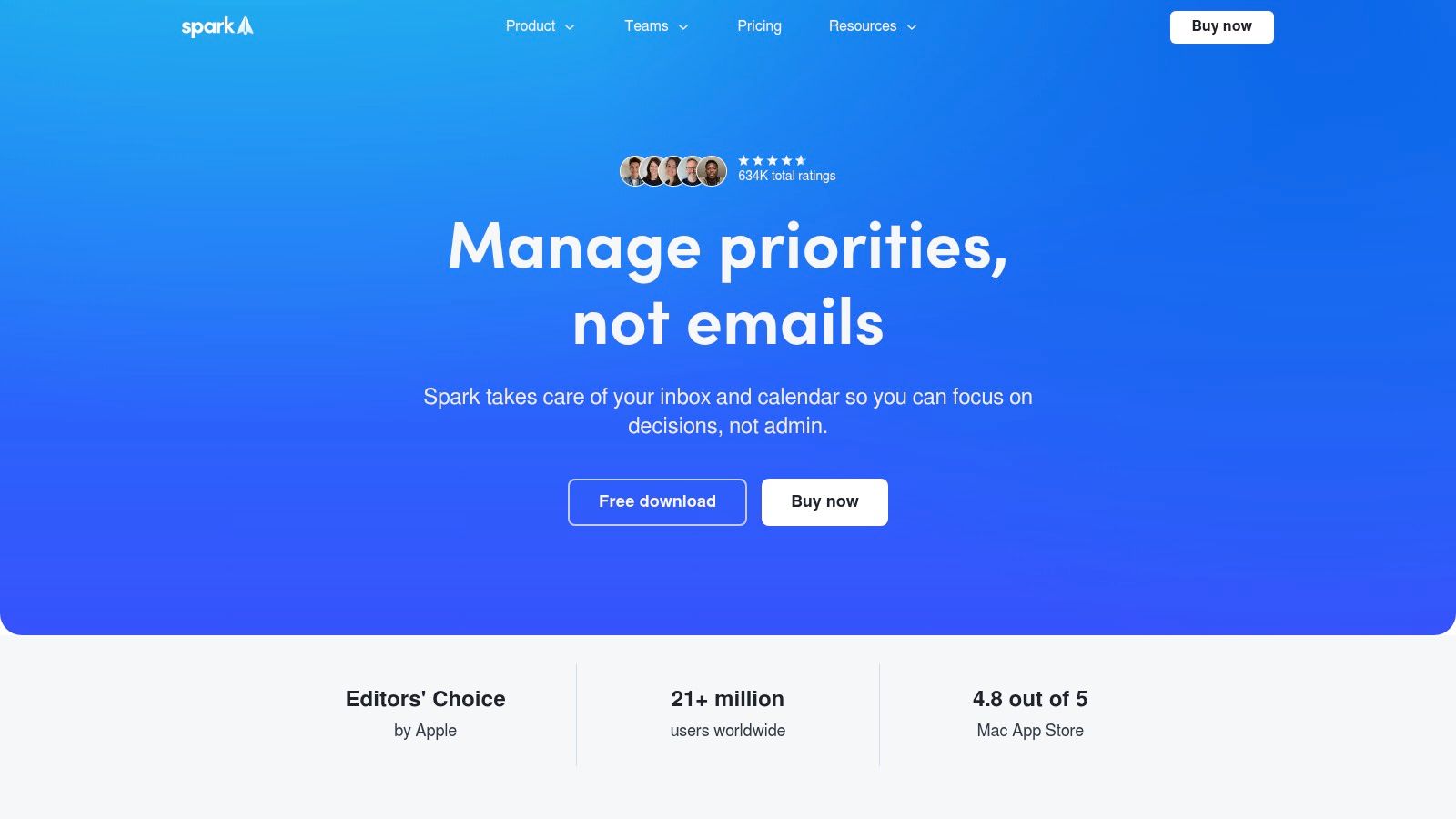
The Smart Inbox separates priority people from newsletters and notifications across connected accounts, so personal mail and client mail sort under one logic instead of per-inbox rules. Smart Search and sender grouping speed up retrieval when a thread crosses accounts. Day-to-day triage leans on snoozing, reminders, "Set Aside" for messages you want parked within reach, and "Mark as Done" to clear finished threads out of view. That last pair matters in practice: most clients offer archive or snooze, but few give you a dedicated middle state for mail that is neither urgent nor finished.
The pricing structure is where you need to read carefully:
- Generous entry tier: The free plan already includes multi-account support and core inbox-management tools, making it easy to test on your real mail.
- Paid automation and AI: Rules, AI drafting, and shared team inboxes sit behind the paid Plus and Pro tiers, with discounts on annual billing.
- Plan caps and agent limits: Account limits and AI usage vary by tier, and while Spark offers built-in AI drafting, it isn't a hosted MCP connector for third-party agents like Claude or Cursor. If you want an assistant to search and tidy your mail directly, you need a tool that exposes mailboxes to outside agents.
If you bounce between Windows at the office and an iPhone on the road, Spark's cross-device sync is hard to beat. Count your accounts and rule needs before committing, because hitting a tier cap mid-workflow means either upgrading or splitting your setup across two apps.
3. Canary Mail
Subscription fatigue hits hard when every utility wants a monthly fee. Canary Mail takes a different route by skipping monthly subscriptions entirely: its paid tiers run $36/year for Growth and $100/year for Pro+, alongside lifetime license options, and one paid license covers multiple platforms for a single user.
The free tier supports a unified inbox with unlimited accounts, capped at two devices. That makes it an easy zero-risk test for people combining personal, client, and side-project addresses, especially since the seven-day trial requires no credit card and doesn't auto-bill. Core organization covers snoozing, pinned messages, reusable templates, and one-click unsubscribe.
Upgrading includes Inbox Cleaner and AI Copilot for faster reading and drafting. Real-world workplace tests show that AI-assisted reading can reclaim meaningful time: in 2024, Microsoft's WorkLab AI usage research reported that employees using Copilot at a consumer-goods company spent 31% less time reading email, saving roughly 50 minutes per user per week.
Canary Mail pairs those AI drafting tools with optional PGP encryption inside its multi-account workspace.
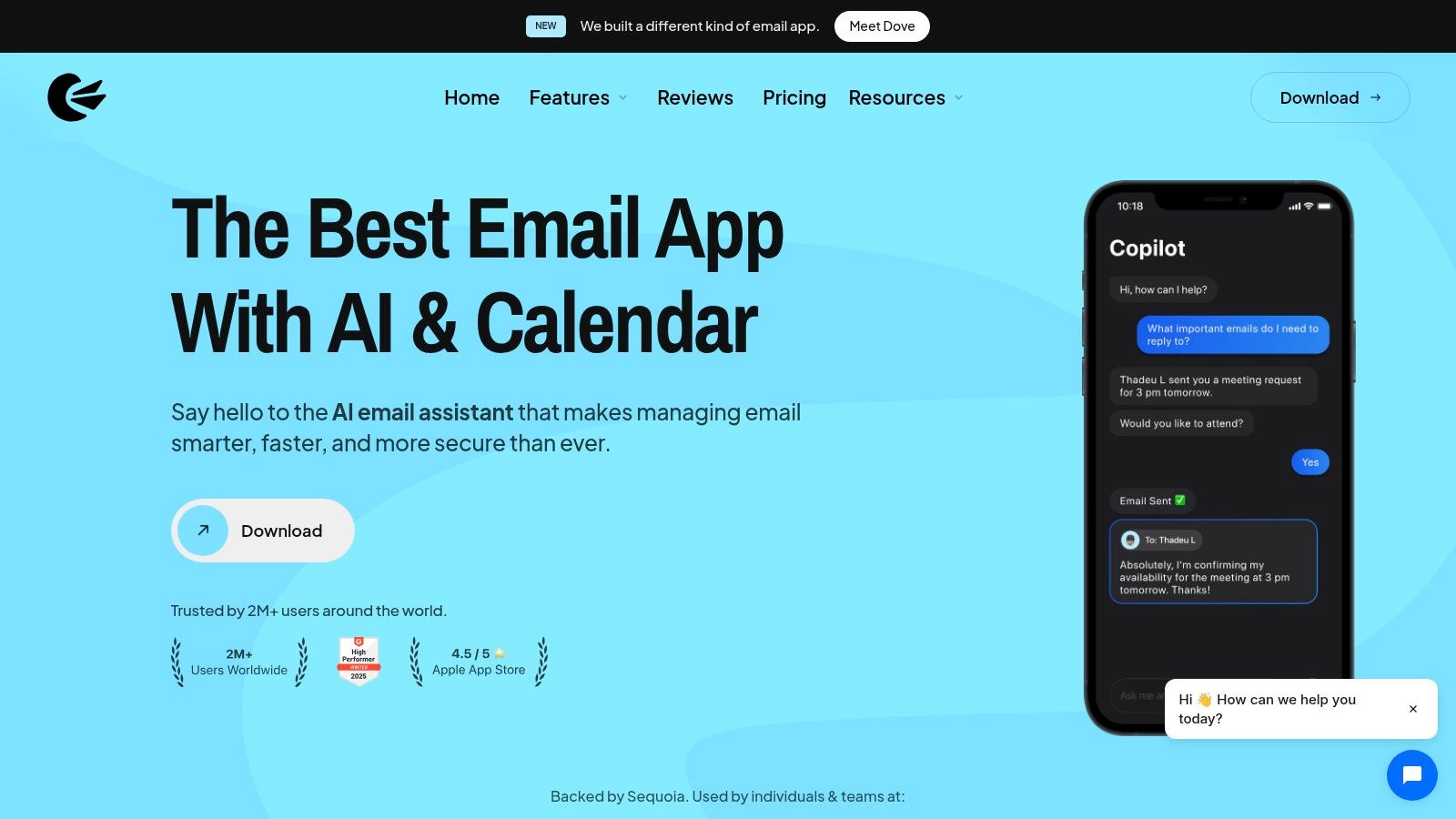
Annual or lifetime billing lowers long-term software costs, yet it raises the stakes if sync quirks or missing features show up in week three. Test your heaviest IMAP or Outlook mailbox during the card-free trial before paying upfront.
Watch two practical constraints. First, purchases and upgrades are handled inside the app rather than through a simple web billing portal. Second, PGP encryption and advanced security protections are reserved for Pro+, so privacy-focused buyers shouldn't expect them on the Growth plan.
4. Shortwave
If your email lives on Outlook, iCloud, or a company IMAP server, stop here. Shortwave is built for Gmail users, and that narrow provider scope is both its biggest weakness and the reason its search and bundling feel so sharp.
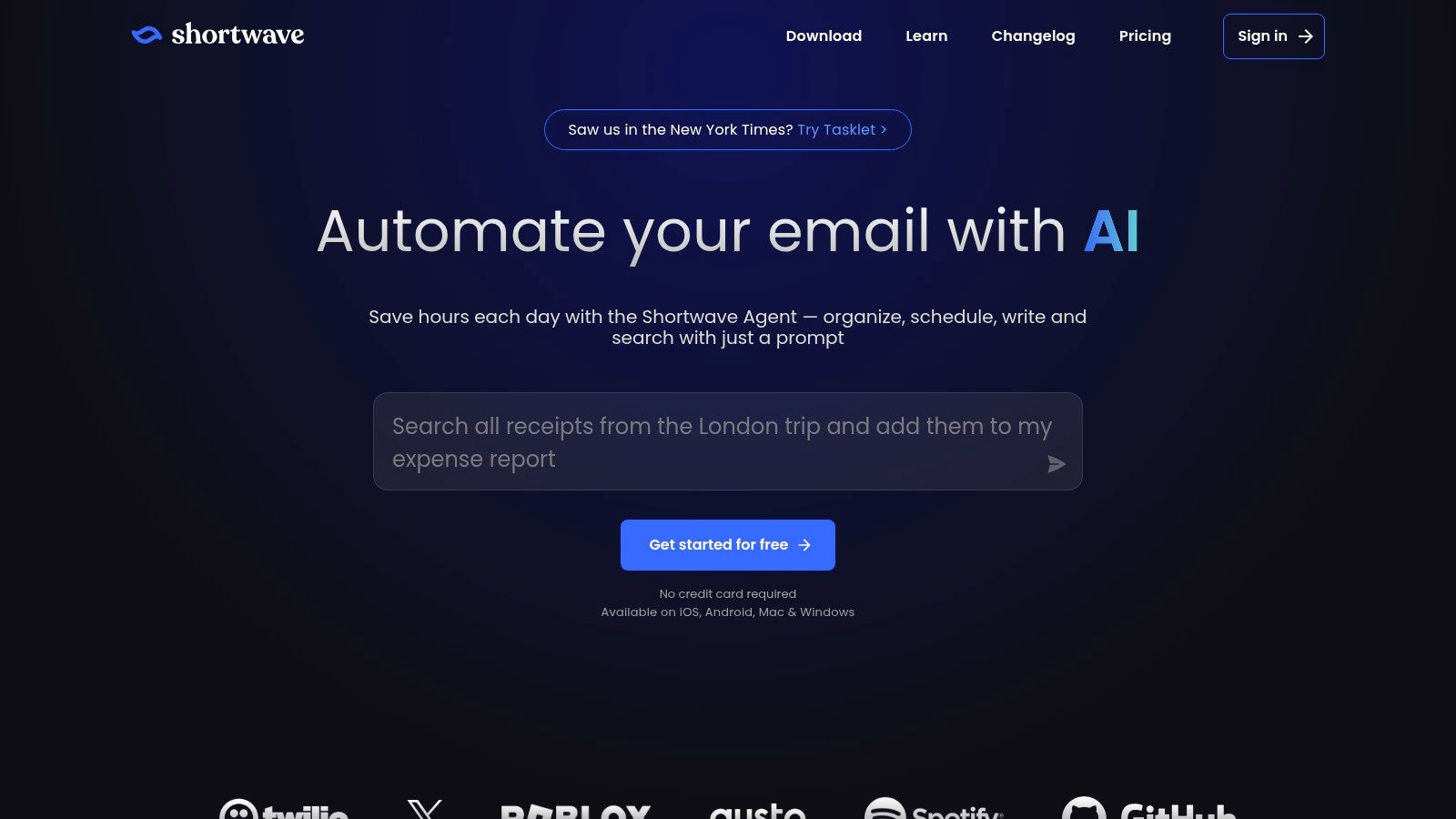
Finding an old contract or vendor quote buried in years of threads eats up more of the workday than is often realized. A McKinsey Global Institute baseline cited by Flicked's email overload statistics estimated that interaction workers spend nearly 20% of the workweek searching for internal information. Shortwave attacks that retrieval problem directly with an AI assistant that queries your inbox, summarizes threads, and drafts replies, while inbox bundles and filters sweep recurring notifications into compact groups. If you're weighing how an AI email assistant handles retrieval versus hands-on triage, Shortwave shows what tight single-provider integration looks like.
Here's Shortwave's bundled inbox and built-in AI assistant layout.
Where Shortwave fits and where it falls short
Shortwave offers a free plan to test bundles and basic AI workflows, and a single paid plan can cover multiple Gmail accounts belonging to the same individual. That's a welcome break if you run a personal Gmail alongside two Google Workspace client addresses.
The catches appear once you need deeper archive access or team seats. Full email-history import and advanced AI capabilities require a paid tier, so searching five years of old project threads won't work on the free plan. Team billing is also calculated per user rather than per connected inbox, and anyone relying on Exchange or non-Google providers will still need a second app.
5. Thunderbird
Running Linux on one workstation, macOS on a laptop, and a self-hosted IMAP server for client work immediately disqualifies half the modern email market. Thunderbird remains the reliable open-source answer across macOS, Windows, and Linux, free to use with voluntary donations invited.
This classic desktop view brings multiple accounts, folders, and local filtering into one window.
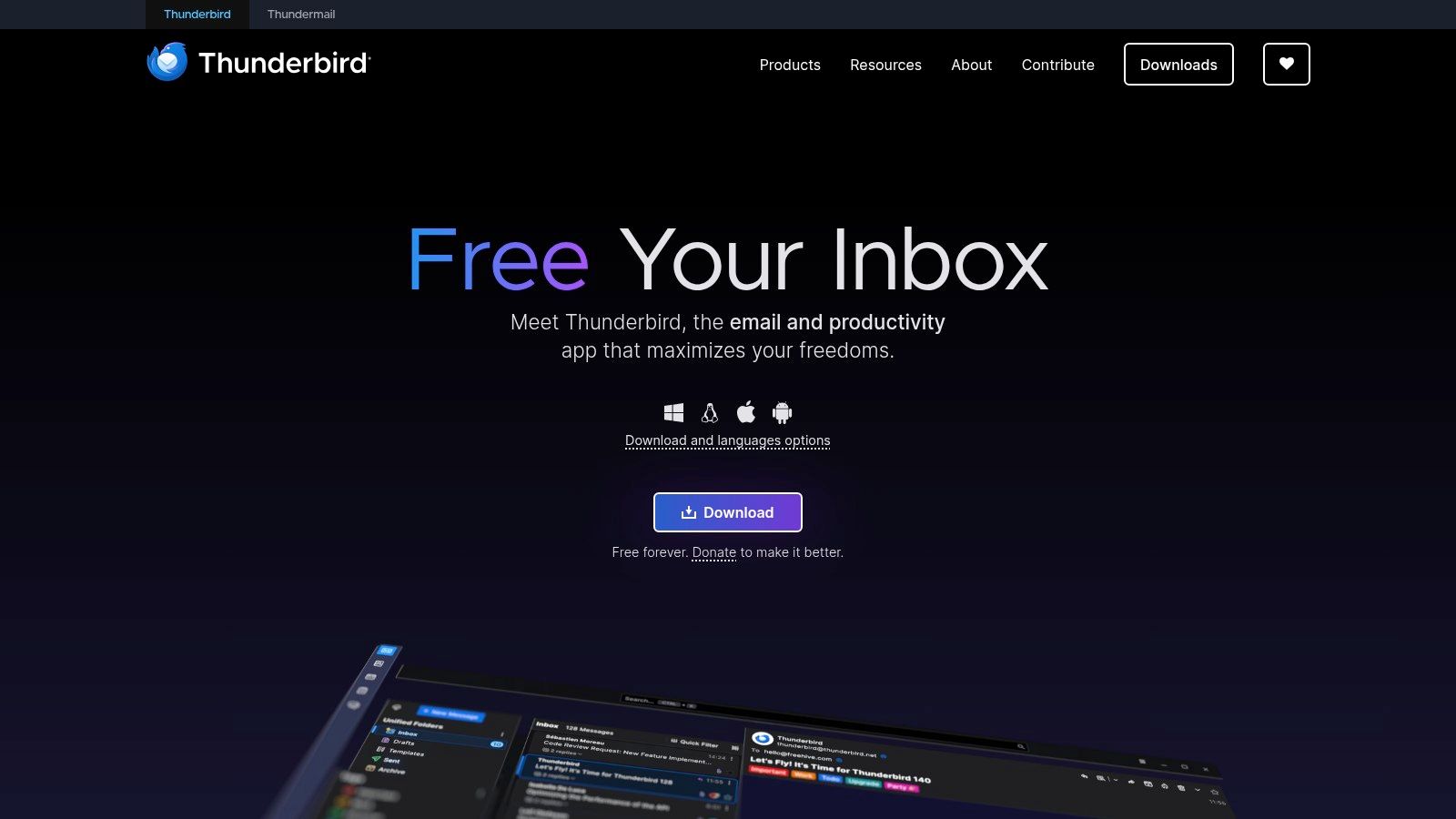
Email's massive global footprint, with 4.37 billion people using email in 2023 according to MailerLite's 2025 email marketing statistics, spans dozens of regional and corporate servers beyond Gmail and Microsoft 365. Thunderbird connects almost all of them, letting you switch between unified and separate inbox views while bundling calendar, contacts, and tasks into one desktop suite. For Apple users comparing zero-cost options, it's a staple in any rundown of a free Mac email client.
Practitioners love its durability, yet it demands upfront setup:
- Broad provider freedom: Handles mixed IMAP, POP3, Gmail, and organizational accounts without paywalls or account caps.
- Extensible add-ons: A long-standing open-source add-on ecosystem lets you customize tagging, encryption, and layout tweaks.
- Manual cleanup friction: You won't get a polished one-click newsletter cleaner out of the box; serious organization means writing your own message filters and folder rules.
- No hosted agent layer: As a traditional desktop client, Thunderbird doesn't act as a remotely hosted AI agent connector when your computer is off.
Choose Thunderbird if you value open-source longevity and cross-OS control over turnkey cleanup and AI automation.
6. Edison Mail
A flight confirmation buried under retail promos is easy to delete by mistake. In 2025 consumer research published by Litmus on email marketing fatigue, 39% of U.S. consumers said they delete retail marketing emails without opening them due to inbox overload, while 58% pointed to transparency about data collection as a leading email-privacy priority. Edison Mail meets that overload with one-tap unsubscribe, suggested unsubscribes, sender blocking, and tracking-pixel blocking across a unified inbox.
What keeps the cleaner from being reckless is how it surfaces mail you still need. Smart views pull receipts, purchases, travel itineraries, events, and subscriptions into dedicated folders, so a promo sweep does not take a boarding pass with it. Snoozing, pinned messages, and a focused inbox sit next to those folders. For personal accounts and light work mail spread across providers, it works as a practical multi-provider email aggregator.
Edison Mail's layout highlights focused views alongside quick cleanup and categorization tools.
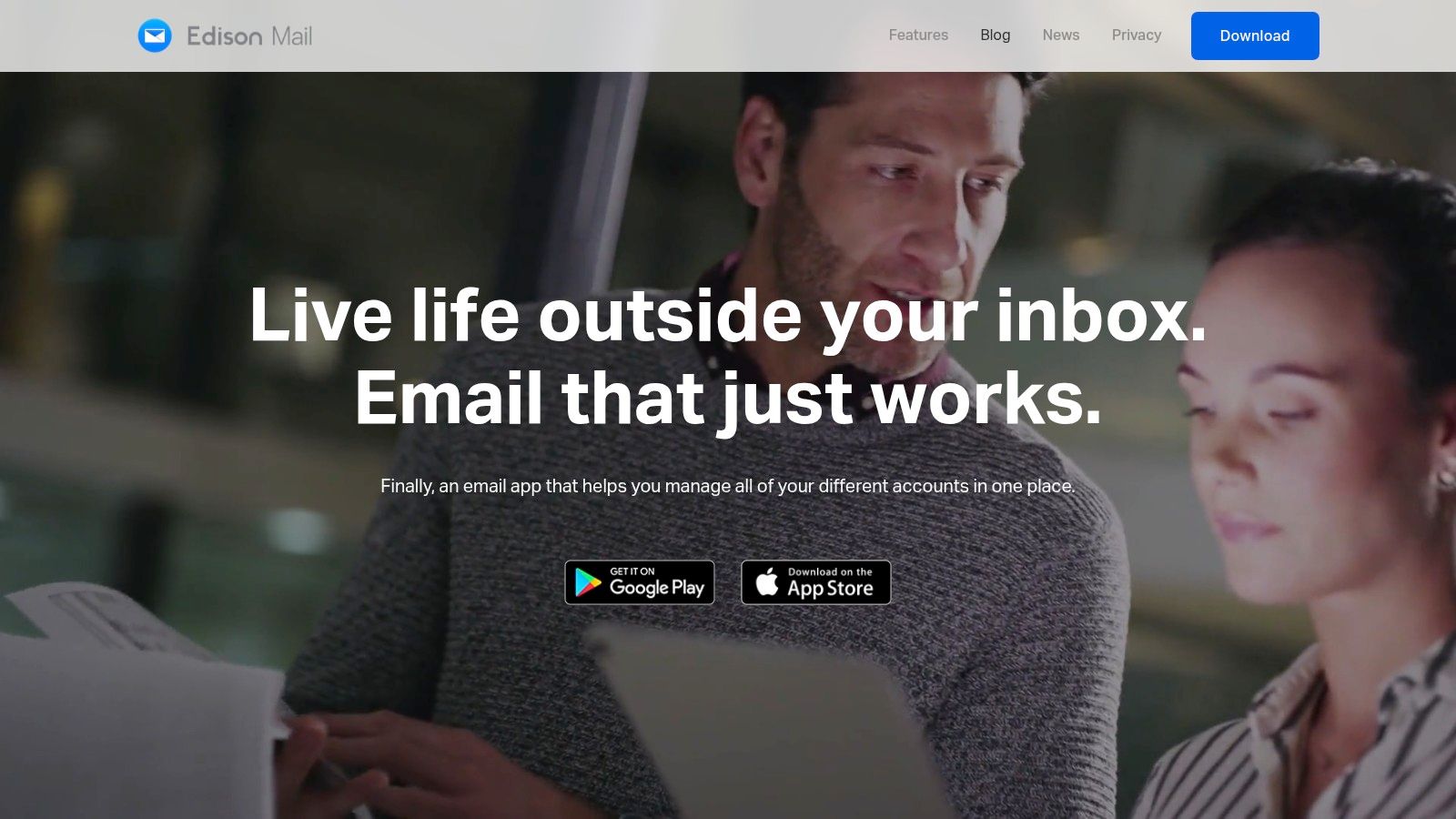
The core app is free to download. Edison Mail+ is listed at $14.99/month or $99.99/year on Edison Mail's website.
That subscription is a poor bet if you assume every device matches the feature list. Some assistant features vary by country, and availability is not identical on every operating system. I would open the exact build on the phone and desktop you use daily, then decide whether Mail+ is worth paying for.
7. HEY
Most tools on this list wrap an organizer around your existing inboxes. HEY refuses to do that: it's a paid email service with its own email address (or custom domain via HEY for Domains), built to replace your current provider with strict opinionated workflows.
HEY's web and desktop interface separates screened senders into distinct reading flows rather than one mixed list.
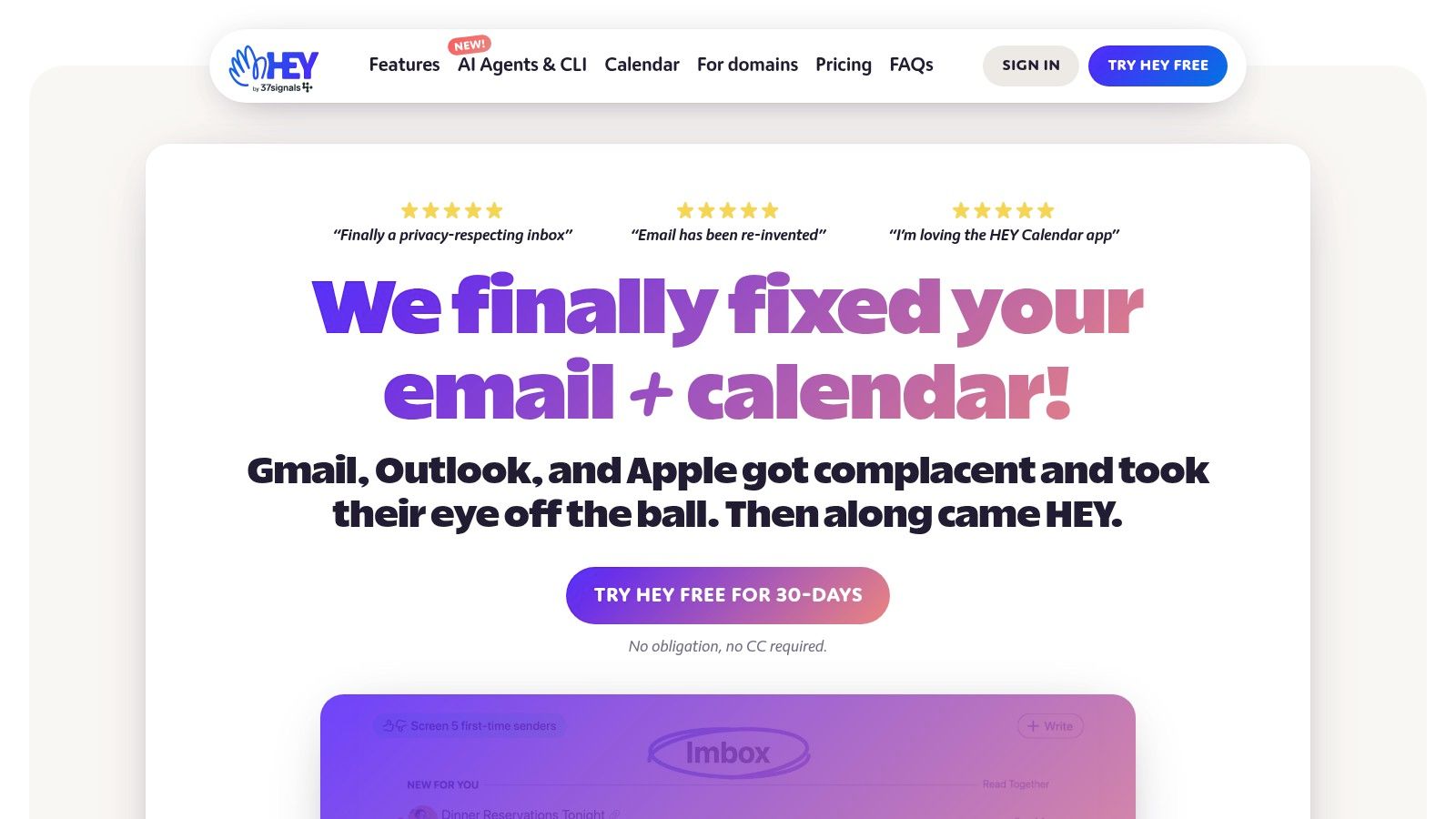
That rigid structure appeals to anyone exhausted by newsletters competing with personal notes. When beehiiv analyzed 15,682,102,484 newsletters sent across its platform in 2024, the overall open rate was just 37.67%, meaning well over half of those sends sat unread. HEY intercepts first-time senders before they reach your main view, routes newsletters and receipts into dedicated spaces, and strips out spy trackers with built-in tracking-pixel blocking.
Here's how HEY's trade-offs stack up for multi-account users:
- Clean privacy and trial terms: No ads, a stated commitment not to sell personal data, and a 30-day trial with no credit card required.
- Included workspace extras: The personal plan runs $99/year (billed annually) and includes HEY Calendar plus 100 GB of storage, with consistent web, desktop, and mobile apps; HEY for Domains is $12 per user/month.
- Consolidation wall: Because HEY isn't a conventional client for existing Gmail, Outlook, or IMAP accounts, you have to adopt its service and address rather than managing client-assigned mailboxes in place.
If you want a fresh start and control your own domain, HEY's workflow enforces calm. If clients dictate your Outlook or Gmail addresses, HEY won't unify them.
8. eM Client
A corporate inbox running Exchange, a personal Gmail address, and an old POP3 account from a hosting provider rarely sit well in one app. eM Client is built for exactly that mix, targeting Windows and macOS desktop users who want one heavy-duty hub for mail alongside calendar, contacts, and tasks.
The reading load justifies the hub approach. Microsoft's 2024 Work Trend Index found that 68% of workers struggled with the pace and volume of work, with employees typically reading about 4 emails for every 1 they send. eM Client connects common cloud providers, standard IMAP and POP3 servers, and Exchange-related accounts, giving corporate and small-business users wide compatibility. Organization relies on rules, search folders, snoozing, and quick actions rather than a minimalist layout, so anyone leaving classic Outlook on Windows will find the learning curve familiar right away.
Below is eM Client's combined desktop interface showing mail folders alongside productivity panes.
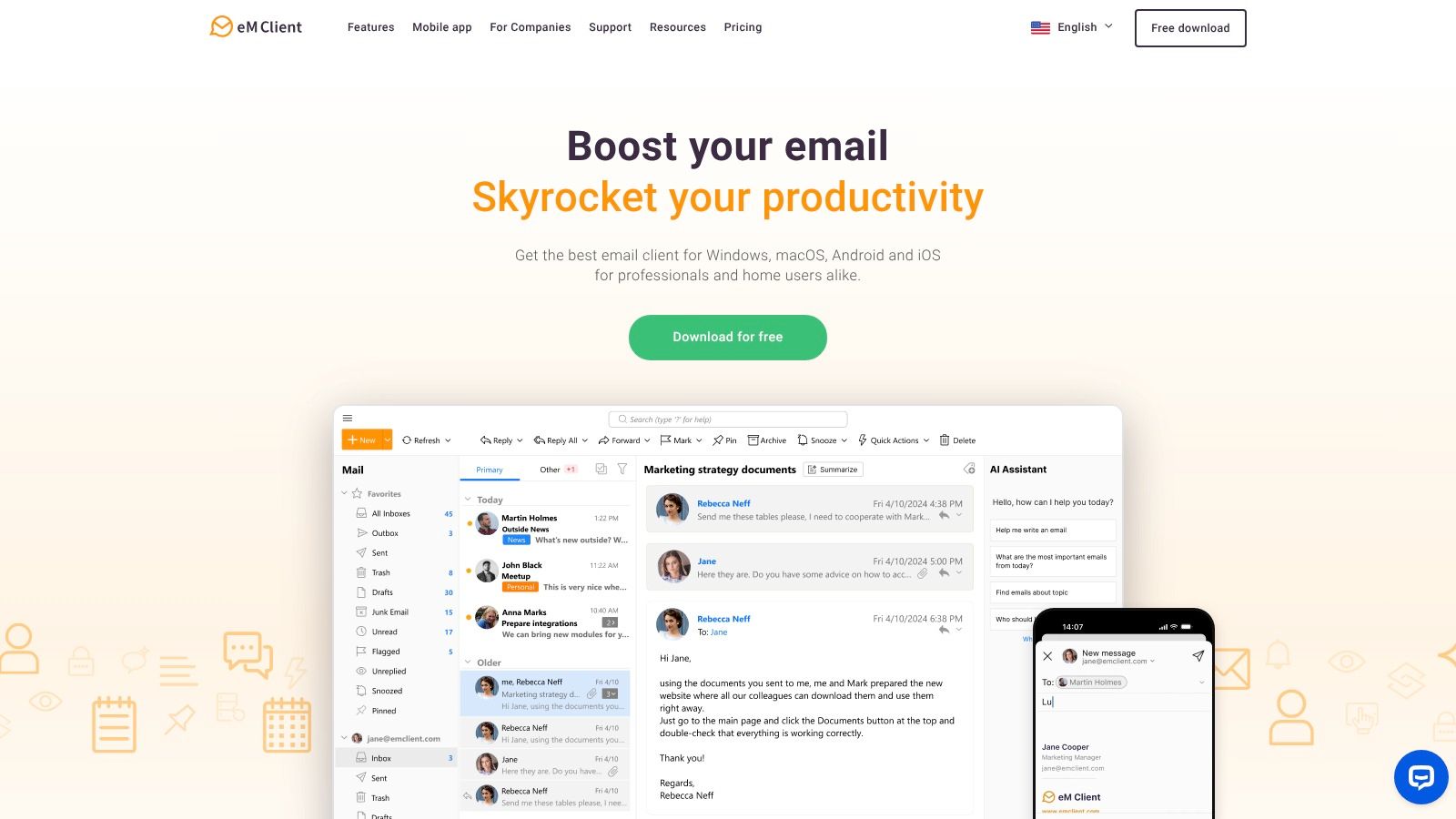
License watch: The free personal tier stops at two accounts on one device, while paid personal plans at eM Client split between a $49.95/year subscription and a $74.95 one-time purchase, both lifting the cap to unlimited accounts.
The one-time option suits buyers who dislike recurring billing, though it ties you to the version you purchased while the subscription keeps pace with new releases. Whichever licence you pick, eM Client is a strong multi-provider desktop organizer with one clear gap: it lacks a hosted MCP connector for external coding or chat agents, so AI-assisted triage stays off the table.
9. Airmail
Apple-only households and freelancers often want an email organizer app that feels native across Mac, iPhone, and iPad without maintaining separate logins on each device. Airmail leans fully into the Apple ecosystem, syncing accounts and preferences across eligible Apple devices under the same Apple ID.
Airmail's interface adapts cleanly across Apple screens with customizable views and quick triage actions.
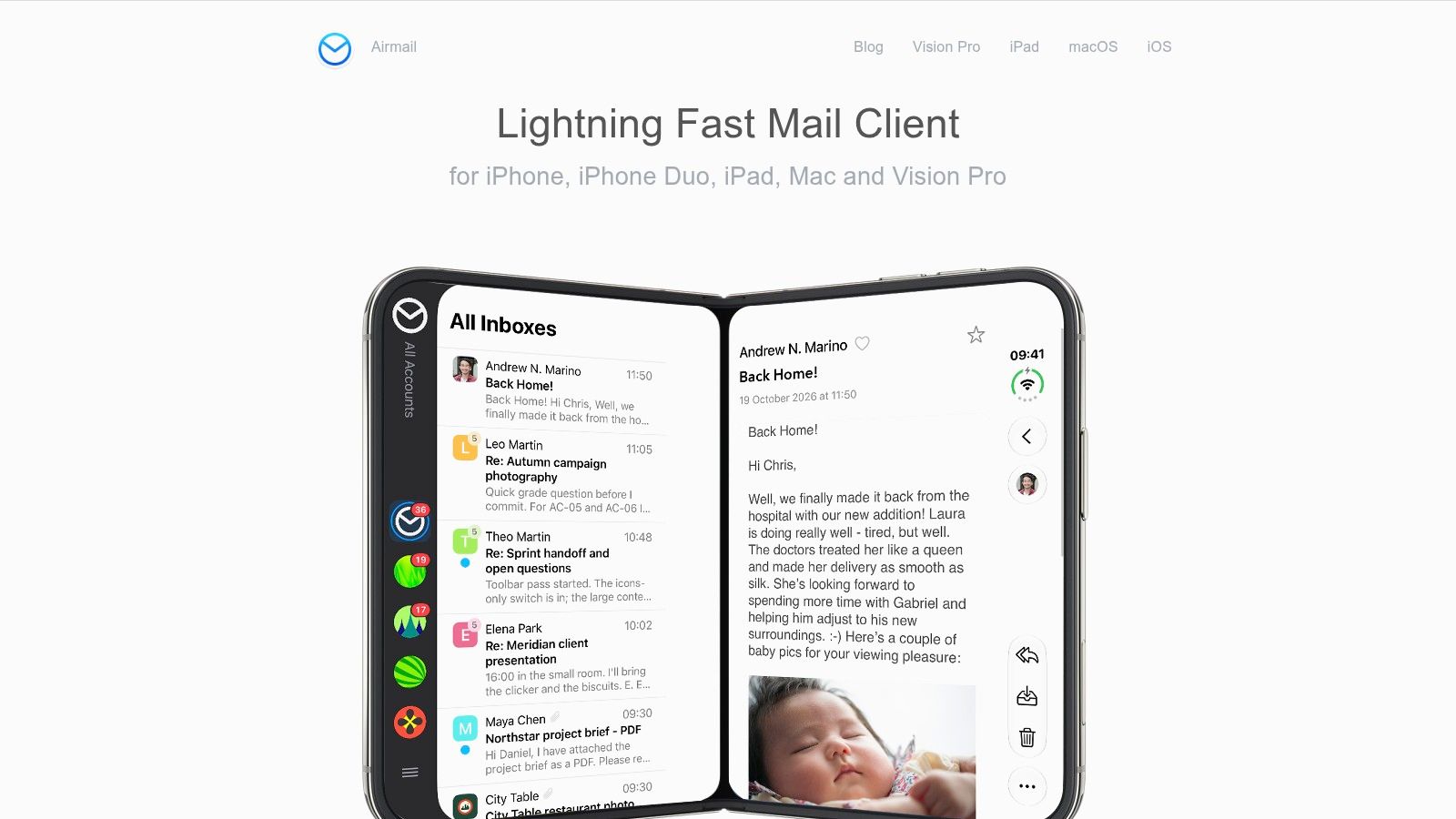
On the Pro tier, Airmail includes multiple accounts, Smart Folders, Snooze, Send Later, and custom actions that let you file, forward, or clear threads with minimal clicks. Smart Folders work particularly well for pulling unread client mail or attachments across different accounts into one filtered view without moving the original messages.
Platform lock-in and App Store billing
The free version is strictly a single-account preview. Anyone juggling a personal iCloud address alongside a work Gmail or Outlook account will hit that one-account cap within minutes and need Pro to evaluate real multi-inbox organization.
Platform boundaries are equally rigid: there's no Windows, Android, or browser version. Pricing and subscription management run through Apple's App Store and vary by region, which keeps cross-device Apple sharing simple while making upfront cost comparisons harder until you check your local store listing.
10. Superhuman Mail
Speed has a steep price tag. Superhuman Mail starts at $25 per member/month on Starter and climbs to $33 per member/month on Business, both billed annually, putting it far above general-purpose clients. You pay that premium when shaving minutes off high-volume triage and never dropping a follow-up directly protects revenue.
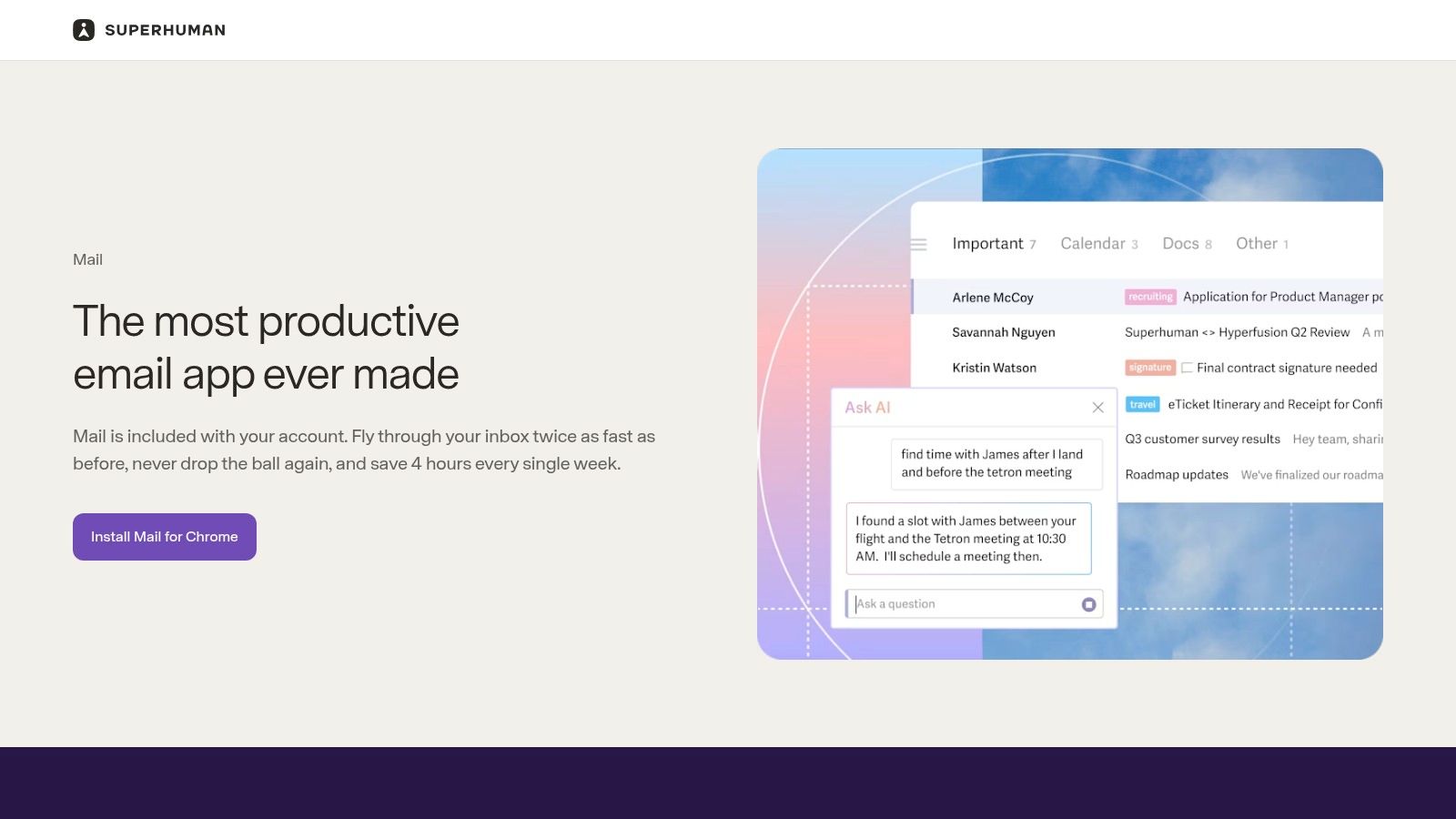
Its Split Inbox divides incoming threads into focused streams so VIPs, teammates, and calendar updates never drown in automated alerts. Built-in follow-up reminders, snoozing, auto-archive, thread summaries, and AI-assisted drafting and search push you through hundreds of messages quickly without leaving the keyboard.
Here's Superhuman Mail's minimalist triage screen built for rapid keyboard processing.
The annual commitment deserves a careful look before you put a card down:
- Plan-level feature split: Advanced AI capabilities, HubSpot and Salesforce integrations, and agent connectivity through Superhuman Mail MCP are not distributed evenly across tiers. Check Superhuman's pricing page to confirm exactly what Starter versus Business includes before choosing, since the tier you pick determines whether CRM hooks and AI workflow access come with your seat.
- Account and workflow checks: Verify your exact supported account types and device workflow before locking into an annual contract, especially if you depend on non-standard IMAP servers.
Superhuman rewards sales teams and executives who live in their inbox all day. For everyone else, the cost per seat is hard to justify when cheaper clients cover the same cleanup basics.
How the 10 email organizer apps compare on accounts, platforms and pricing
The numbers below decide most purchases before any feature does. Two tools that look similar in a demo diverge fast once you count accounts, check which devices are covered, and read the billing terms. Read the free-option column carefully: a trial and a free plan are different things, and a card-required trial bills you automatically if you forget the date.
| Item | Accounts supported | Platforms | Free option | Published price | Best for |
|---|---|---|---|---|---|
| Sickle | No stated limit; Gmail, Outlook, iCloud, Yahoo, Mail.ru and any IMAP server | macOS app; hosted agent connector works from any OS | Seven-day trial; payment card required | $8.99/month or $30/year, covering every mailbox and the agent connector | Mac users who want multiple mailboxes available to AI agents |
| Spark | Multiple accounts on the free plan | Mac, Windows, iOS, Android | Free plan with multi-account support | Plus: $10/month; Pro: $20/month; lower annual pricing | Cross-platform inbox organization and team email |
| Canary Mail | Unlimited accounts on the free tier | macOS, Windows, iOS, Android | Free tier with unlimited accounts, up to two devices | Growth: $36/year; Pro+: $100/year; lifetime options available | Multi-account email with optional AI and security features |
| Shortwave | Free plan covers basic Gmail use; the paid tier adds multiple personal Gmail accounts | Web and desktop apps, iOS and Android; designed for Gmail | Free plan available | Paid tier required for multiple Gmail accounts | Gmail users who want AI-powered search and drafting |
| Thunderbird | No practical account limit, including POP3 and IMAP servers | macOS, Windows, Linux | Free and open source | Free; voluntary donations | Users seeking a flexible, customizable desktop email client |
| Edison Mail | Multiple accounts across providers in one view | iOS, Android, macOS, Windows | Core app available to download free | Mail+: $14.99/month or $99.99/year | Multi-account cleanup and smart views |
| HEY | HEY is the mail service itself; you adopt its address rather than connecting existing providers | Web, desktop, mobile | 30-day trial; no credit card required | Personal: $99/year; Domains: $12/user/month | Users willing to adopt HEY as their email service |
| eM Client | Two accounts on the free personal tier; paid licenses lift the cap | Windows, macOS | Free personal tier for up to two accounts | $49.95/year or $74.95 one-time | Desktop email combined with calendar, contacts, and tasks |
| Airmail | One account on the free version; multiple accounts require Pro | Apple platforms | Free basic version with one account | Pro subscription, billed monthly or annually, shown in the App Store for your region | Apple users who want customizable email workflows |
| Superhuman Mail | Gmail and Outlook accounts, billed per member | Mac, Windows, iOS, Android and web | No free plan; access starts on a paid tier | Starter: $25/member/month; Business: $33/member/month, billed annually | High-volume email triage, follow-ups, and AI-assisted writing |
Three patterns stand out once the rows are side by side.
Free tiers cap accounts before they cap features. eM Client stops at two accounts, Airmail at one, and Canary's free tier limits you to two devices rather than limiting mailboxes. If you run four or five addresses, the actual entry price for those tools is the first paid rung, whatever the marketing page says.
Billing structure matters as much as the sticker number. Superhuman and Shortwave only make sense at their paid tiers, and Superhuman's per-member annual billing multiplies fast across a team. HEY and Sickle both sell flat annual pricing, but HEY's $99 buys a whole email service while Sickle's $30 sits on top of providers you already pay. Thunderbird and Edison split the budget end differently: one is free with manual setup, the other charges a premium subscription for automated cleanup.
Platform coverage decides the shortlist before price does. Only Spark, Canary and Edison reach all four major platforms. Sickle's app is macOS only, though its agent connector answers from any operating system, and Airmail never leaves Apple hardware. Pick the column you cannot compromise on first, then compare prices inside the rows that survive.
Choosing the Right Organizer for Your Inbox Setup
Every email organizer app on this list makes a deliberate trade-off. None of them wins on price, universal platform coverage, deep historical cleanup, and AI agent access at the same time. Start by writing down your core constraints, then eliminate every tool that violates them.
Match the tool to your hardest constraint
Use your actual daily friction, not a feature checklist, to narrow the field down to one or two trials:
- Mixed providers on Mac plus AI agents: Pick a native macOS client with unlimited IMAP/OAuth support, per-account colour coding, bulk newsletter cleanup, and a hosted MCP connector with scoped read, change, and send permissions.
- Windows, Android, and Apple devices together: Go with Spark for cross-platform triage and team inboxes, Canary Mail if you want annual or lifetime pricing with optional Pro+ PGP encryption, or eM Client if you live on a desktop and need Exchange, POP3, calendar, and tasks in one window.
- Strict Gmail-only workflows: Shortwave delivers tight AI search and bundling across multiple personal Gmail accounts, while Superhuman Mail fits high-volume sales or executive teams ready to pay annual Business rates for CRM integrations and MCP.
- Zero budget or full service reset: Thunderbird handles almost any server on Linux, Windows, or macOS for free if you don't mind writing your own filters, Edison Mail cleans retail clutter and tracks receipts well, Airmail suits Apple-only setups, and HEY works only if you're ready to switch to a brand-new email address.
Test before you migrate everything
Connect your messiest, highest-volume account first during a free tier or trial. Syncing a clean personal mailbox tells you nothing about search speed, thread accuracy, or how well an unsubscribe tool distinguishes retail newsletters from invoices you need for tax season. Check whether the cleaner previews affected messages before deleting history, and watch for billing traps like auto-renewing card trials, annual-only commitments, or features locked behind higher tiers.
If you plan to connect an AI assistant to client or company correspondence, treat the organizer like an access-management system rather than a simple inbox skin. Spend ten minutes checking AI data retention policies before granting credentials, and start every agent on read-only access until its summaries and triage choices earn your trust.
Never hand an AI assistant unrestricted send or permanent-delete rights on day one. Scoped permissions and manual send approvals protect your reputation far better than aggressive auto-replies.
Once one tool passes your heaviest-account test across provider sync, safe cleanup, and predictable pricing, move the remaining inboxes over and delete the old browser tabs for good.
If you're a Mac user juggling Gmail, Outlook, iCloud, or custom IMAP accounts and want Claude, Codex, or Cursor to help search and tidy your mail under scoped, revocable permissions, take a closer look at Sickle. One subscription covers our native macOS app, per-account colours, the ⌘⇧K Email cleaner, and the hosted MCP connector with no stated account limit. Start the seven-day trial to test your busiest inbox and see how much cleaner multi-account triage feels.