10 Email Automation Tools: Inbox Cleanup and AI Search
Compare 10 email automation tools by workflows, inbox organization and AI search across mailboxes, with honest limits and use cases for 2026.

Three inboxes, three sign-ins, and one client message you never answered. A personal Gmail, an Outlook mailbox your employer controls, and an IMAP archive on a domain you keep renewing. Any newsletter platform can push a welcome sequence to subscribers from one of them. None can tell you which of the three is holding an unanswered question from the person who signs your invoices.
Email automation tools split into two groups, and most comparison lists blur them. Outbound platforms automate campaigns, drip sequences and lifecycle journeys to a list. Mailbox tools automate the inbox you already read: cleanup, triage, search, drafting. Both save time. They solve different problems, and buying the wrong kind is the mistake you notice three weeks later, when the automation runs perfectly and your inbox is still a mess.
This list covers both, and it takes a third question seriously: whether an AI assistant can search and act across several mailboxes at once, with permissions you control. Each entry names the workflow it handles, the person it fits, and when it's the wrong purchase. If outbound sequences are your actual need, start with this guide to structuring automated drip campaigns before you compare vendors.
1. Sickle
Some tools here send mail for you. This one organizes the mail you already receive, then exposes those same mailboxes to an AI agent under limits you set.
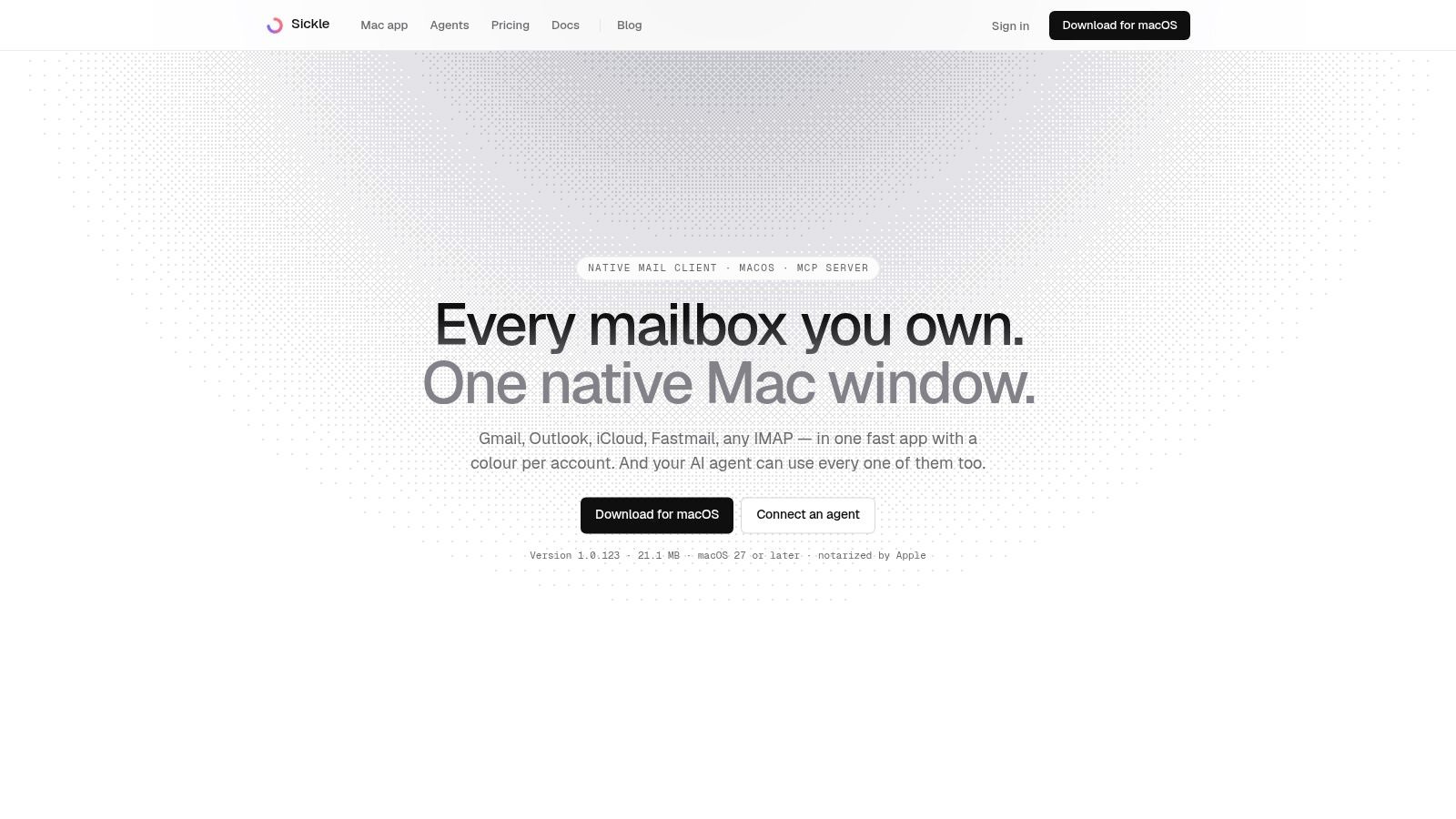
The desktop app is a native Mac client. Gmail and Outlook connect through OAuth, while iCloud, Fastmail, Yahoo, Mail.ru and any other IMAP server are added with a host, a port and a password, using the full email address as the username. There's no stated limit on accounts, so a personal Gmail, a client Workspace mailbox and a company IMAP server sit in one window, each with its own colour. That colour detail earns its place the first time you nearly send a client reply from the wrong identity.
What the agent connection changes
The included MCP connector lets Claude, Codex or Cursor search, read and organize those accounts. It's hosted remotely, so it keeps working with the Mac switched off, and you can skip the app entirely by signing in at sickle.app and adding mailboxes there. When an assistant requests mail, Sickle's servers fetch only what was asked for and pass it to the assistant, keeping no copies. Files attached to a draft or a download request are deleted as soon as the message is saved or sent, and anything never used is removed automatically within a day.
Access is scoped per client into read, change and send permissions, and every scope is revocable. Read covers listing, searching and reading mail. Change covers marking as read, moving, moving to Trash, saving drafts and attaching files. Send is marked so the assistant's app asks you to approve each message. No agent tool deletes mail permanently.
Audit trails are where AI mail setups typically fall apart. In a survey of 1,030 U.S. professionals working with AI systems, 54% reported an AI-agent mistake within the previous 90 days, 18% said an agent sent an incorrect or inappropriate email, and only 53% could produce a complete audit log of agent activity from the prior week, according to the Nylas survey reported by the National Law Review. Scoped, revocable keys and a no-permanent-delete rule are the practical answer to that problem.
Cleanup work you'll run weekly
⌘⇧K opens the Email cleaner. It groups mailing lists you can unsubscribe from, mail unread for more than five days (filterable so the backlog can be cleared in one pass), old messages, and mail by sender. Unsubscribing also clears that list's older mail. One-time codes and confirmation links surface in the same view, and ⌘Y copies the selected code.
Pros:
- One connection, many providers: Gmail, Outlook, iCloud and a company IMAP server all reach a single agent connection rather than a Gmail-only one.
- Agent access is included: the connector is part of the subscription rather than a separate add-on.
- Granular permissions: read, change and send are separable and revocable per client.
Cons:
- Mac-only desktop app: there's no Windows, Linux or mobile client, though the hosted connector works with agents on any operating system and doesn't require the app.
- Trial billing: the seven-day trial needs a payment card and converts to a paid plan unless you cancel.
Pricing is $8.99 monthly or $30 annually for the app, the connected accounts and the connector together. For the workflow behind it, read the guide to connecting an AI assistant to your mailboxes.
2. ActiveCampaign
ActiveCampaign is for the person who has outgrown a newsletter tool and now needs journeys that branch. Someone opens twice and buys nothing, so the next three messages change. That's the workflow it handles well, and the reason setup takes an afternoon rather than ten minutes.
The case for branching is measurable. An analysis of 17 billion emails by Uplers found automated messages achieved open rates 84% higher than non-automated campaigns, click rates 341% higher and conversion rates 2,270% higher. Those come from commercial datasets rather than a controlled trial, and your list quality and deliverability will move them. The direction still holds.
What it does well
- Conditional journeys: goals, waits, splits and if/else branches that behave predictably under load.
- CRM attached: a sales pipeline that sees the same contact record as the email automation, so follow-up doesn't need a spreadsheet.
- Segmentation by tag and list: both at once, which is more flexible than list-only tools allow.
Where it bites
- Setup time: the first serious automation takes a day of mapping before you touch the builder.
- Pricing by contact count: costs climb as the list grows, and advanced channel features sit on higher tiers.
Practical rule: count your decision points before you buy. If the journey is three emails on fixed delays, a cheaper tool will do the same job.
It suits a team with a sales follow-up process attached to marketing email. It's overkill for a solo newsletter writer.
3. Mailchimp
You've probably already used Mailchimp, and that's part of its problem. It's the default, which means it's often bought before anyone checks whether it's the right fit.
Its strength is breadth without a steep learning curve. Campaigns, audience segments, signup forms, landing pages and a few automated flows sit in one account, which is enough for a small business that needs a newsletter plus a welcome series and an abandoned-cart reminder.
The category itself is no longer experimental. In February 2024, 58% of surveyed marketers reported using automation for email marketing, making email the most automated marketing area in the survey summarized by Wethrift. When that many teams run automation, a platform that only sends broadcasts starts to feel incomplete.
Pros:
- Fast to launch: templates, forms and a test send in under an hour.
- Free tier: workable for a first list while you learn what people respond to.
- Journey basics included: welcome and follow-up flows don't need a developer.
Cons:
- Tier gating: the automation depth people want sits several plans up.
- Cost creep: contact and send allowances push the price as the audience grows.
Pick it for a straightforward newsletter plus light automation. Don't pick it expecting fine-grained behavioural branching, because you'll hit the ceiling within a month.
4. Brevo
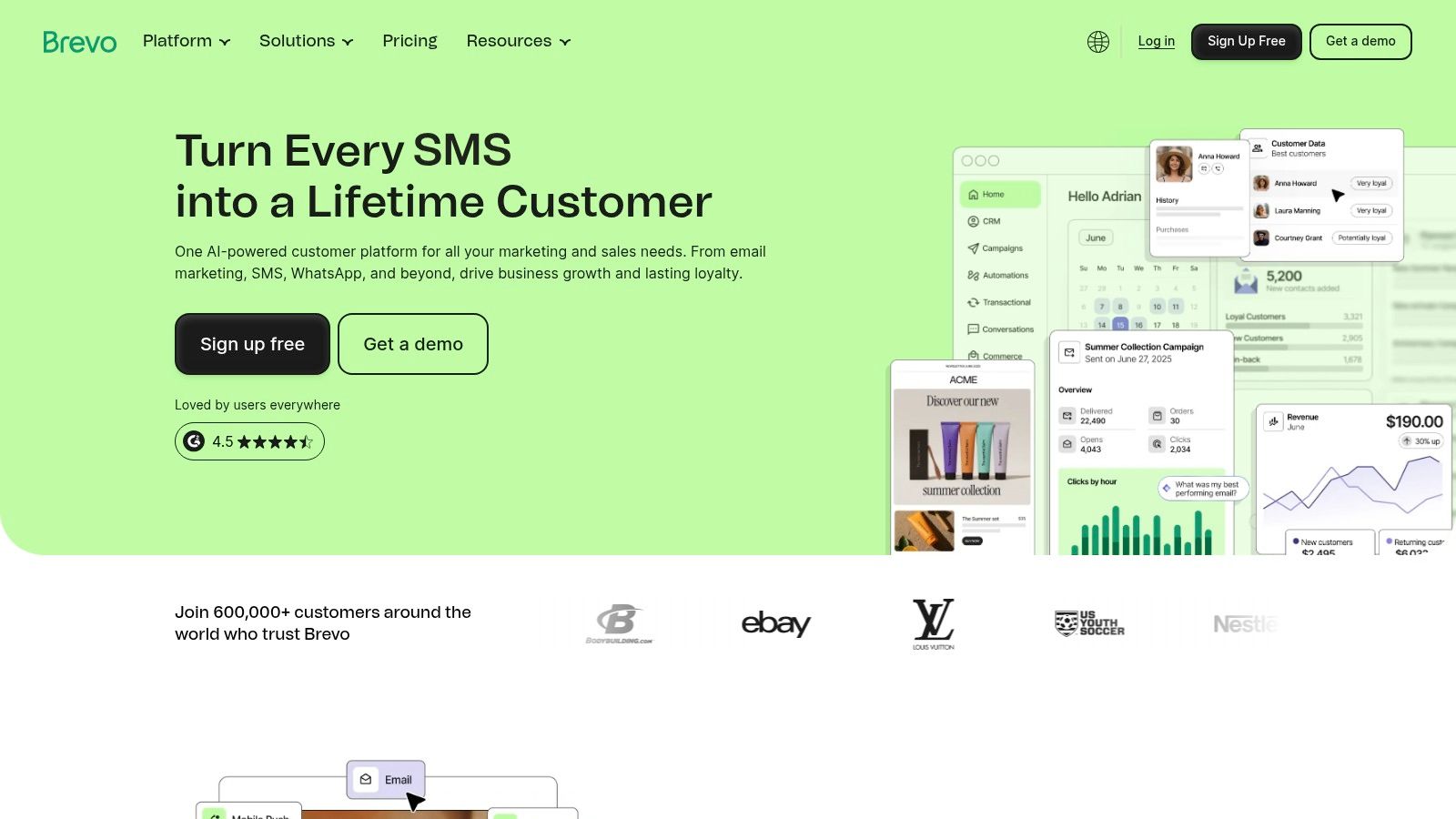
Brevo is the practical pick when the same team has to send newsletters, automated follow-ups and receipt-style transactional email without stitching together two products. Its free entry point lets you try that mix before budget approval, which is why it often lands early in a stack.
The adoption pattern fits. In 2023, email was identified as the most automated marketing channel, with 63% of surveyed marketers saying they automated email marketing, the highest share among the channels measured (Exploding Topics). Treat it as a survey measure, useful for direction, and judge Brevo on whether your sends are campaigns, receipts or both.
The pricing structure matters more than the feature list
Brevo suits a large list that mails occasionally better than a small list that mails every day, because send volume can matter as much as audience size. The free plan's daily send cap can also split a morning launch into more than one day, so check the limit before promising a date.
- Where it wins: campaigns, automation, transactional email and SMS inside one account.
- Where it loses: frequent sending to a big audience makes the bill climb, and inbox work stays manual.
If the bottleneck is the mailbox people already read, an email management service sits at a different layer than Brevo: it helps an assistant search and act across connected inboxes while Brevo handles outbound sends.
5. HubSpot Marketing Hub
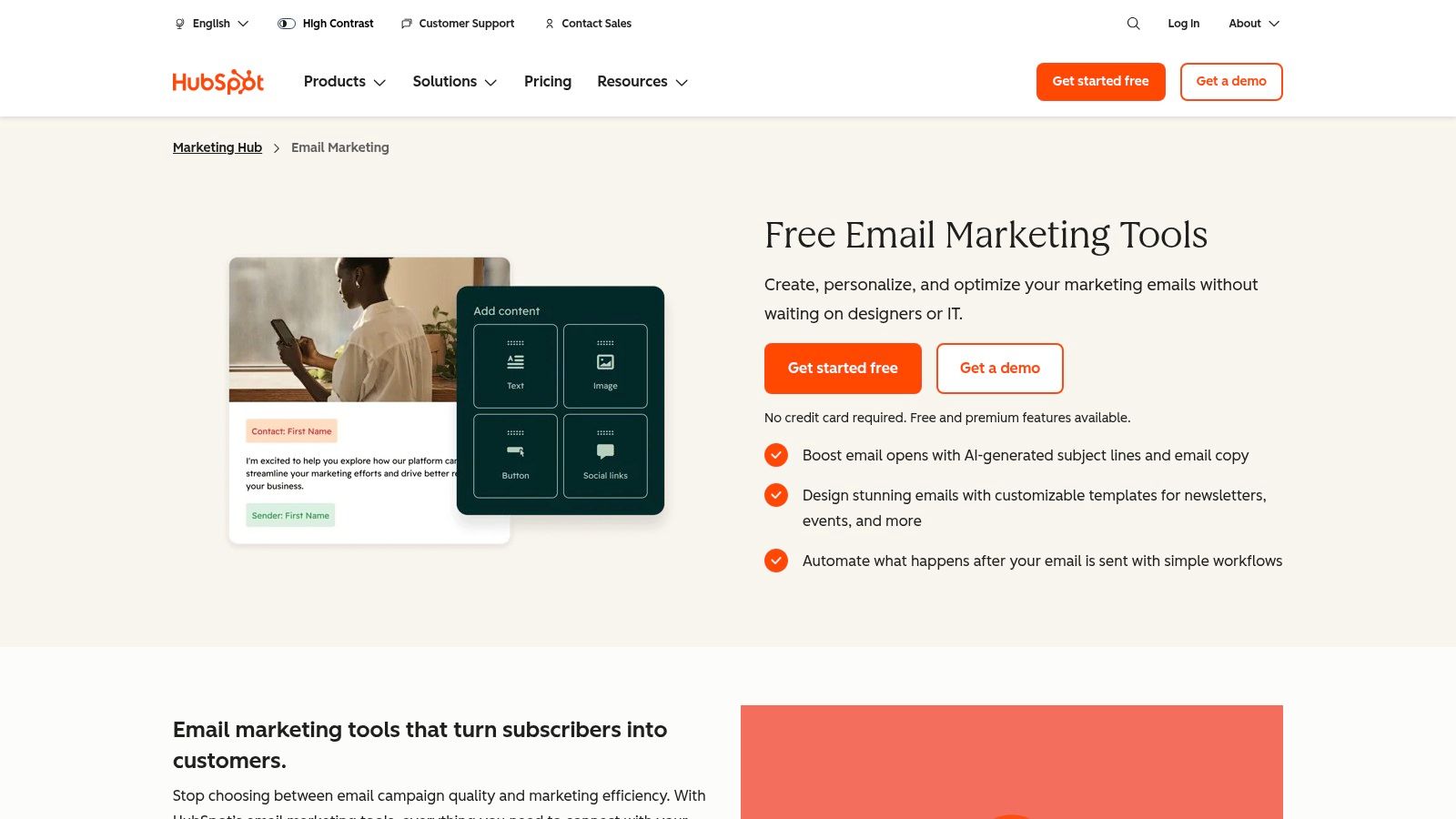
HubSpot's free email tools are useful, and its paid automation is a serious commitment. Go in knowing which of those two you're buying.
The platform's logic is CRM-first. Every send attaches to a contact record, every form creates or updates one, and lead scoring runs off the same data. For a business where marketing email exists to feed a sales pipeline, that continuity saves real work. For a business sending a monthly newsletter, it's scaffolding around a job that didn't need scaffolding.
The category around it is expanding quickly, which explains the constant tier reshuffling. The global marketing-automation software market was valued at approximately USD 7.23 billion in 2025 and is projected to reach USD 20.12 billion by 2034, roughly 12% compound annual growth, with cloud deployment the leading segment, according to Fortune Business Insights. Treat that as a directional category forecast rather than an email-only number.
- Fits: teams already running the CRM, where email is one channel inside a lead pipeline.
- Doesn't fit: anyone who wants automated email and nothing else, since the automation depth changes sharply between tiers.
Check the free-tier contact and send limits carefully. They're low enough that a growing list outgrows them within weeks.
6. Klaviyo
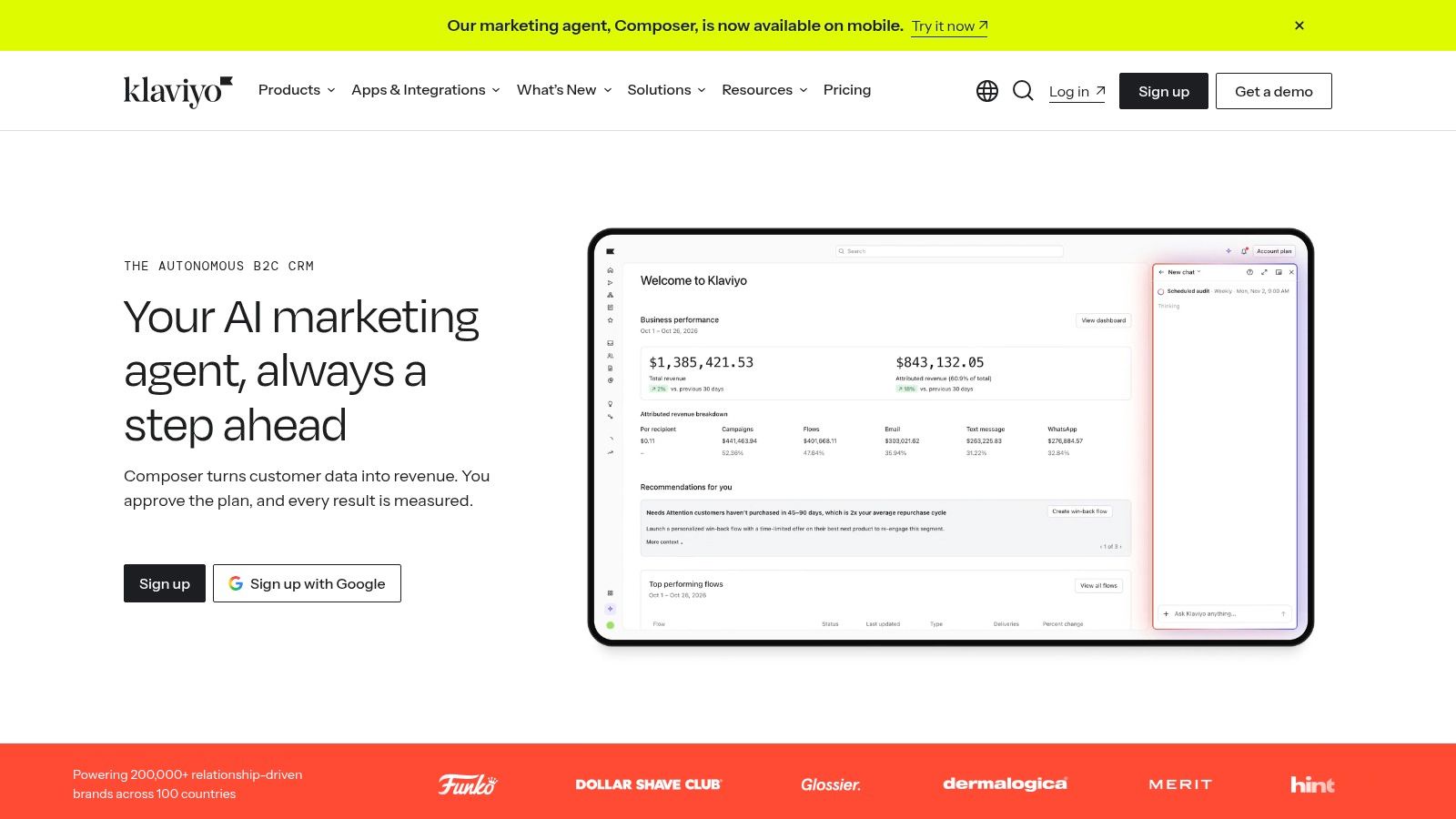
Say a store wants an abandoned-cart email three hours after the cart is abandoned, a post-purchase check-in at day ten, and nothing at all to someone who bought twice that month. Klaviyo is built for exactly that shape of problem.
Its triggers come from store and browsing data rather than list membership, which is why ecommerce teams tolerate the price. Segmentation runs on purchase history, predicted lifetime value and browse behaviour, and email shares an audience with SMS so a journey doesn't need two contact databases.
Judge flows on clicks, not opens
Benchmarks compiled by Conversion Gems show automated flows at approximately 4.66% to 5.58% click rates against about 0.74% to 1.69% for campaigns in the cited datasets. That gap is the reason lifecycle work gets budget.
There's a catch worth stating plainly. Open rates are now unreliable as a comparison metric because mail privacy features pre-fetch images and register opens whether or not anyone read the message. Track clicks, replies and revenue per recipient instead.
Cons to weigh: pricing scales with audience size and with the number of channels you switch on, and personalisation is only as good as the store data feeding it. A small catalogue with thin order history gets much less from Klaviyo than a busy one with a year of purchase records.
7. Customer.io
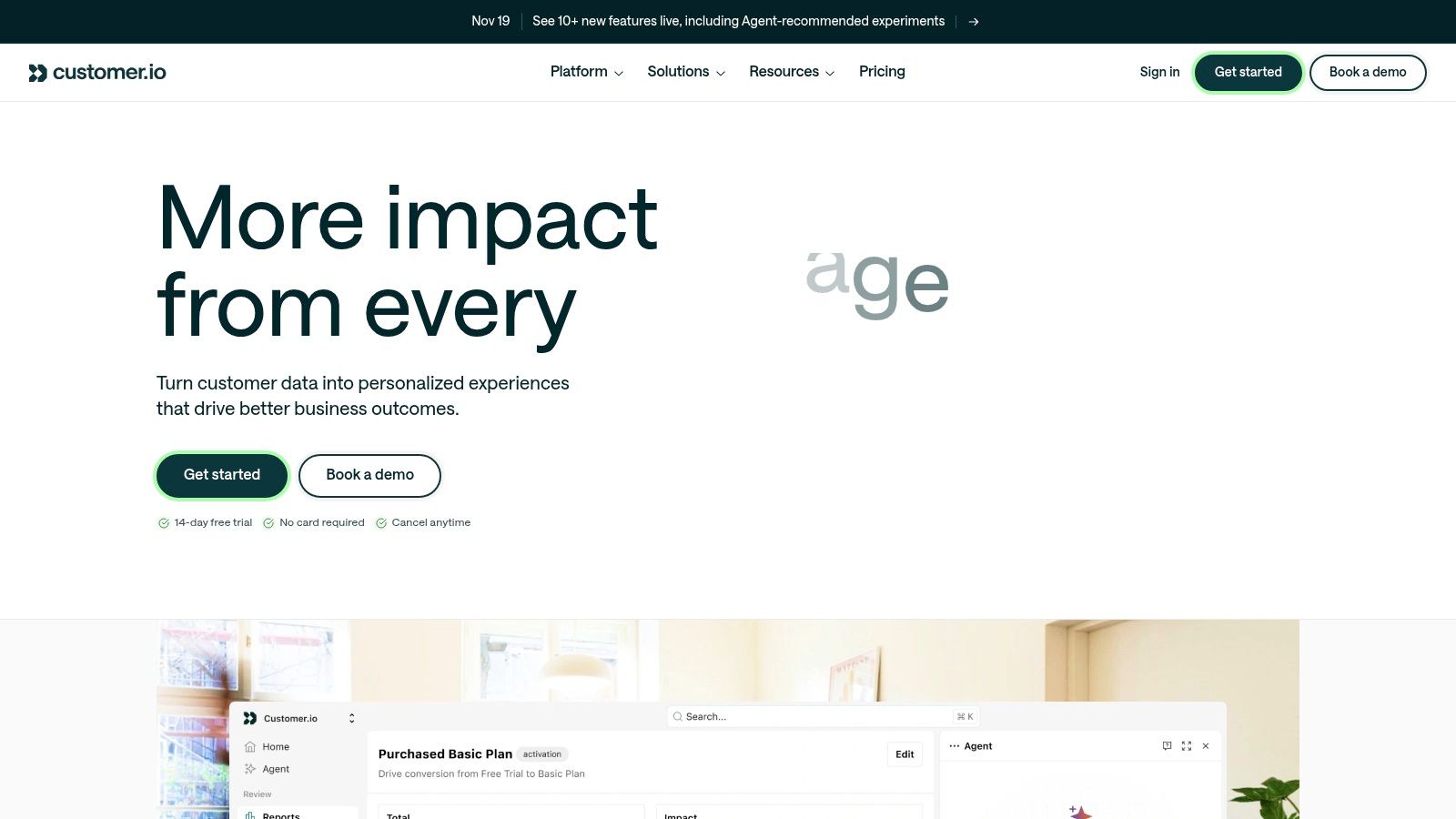
Product events drive this one, not list membership. That single design choice decides who should buy it.
A signup where the user never completes onboarding, a trial that hits day seven with no integration connected, a seat count that drops below ten: those are the triggers Customer.io expects, and it handles them with a visual workflow builder rather than code. Email sits beside in-app messages and push in the same journey, which is the point.
Adoption by sector is uneven, and that shapes how much support material and integration depth you'll find. In Mailmodo's 2024 email-performance dataset, email automation was used by 23.3% of EdTech datasets and 15.6% of BFSI datasets (Mailmodo state of email 2024). Niche workflows in those sectors often need more custom event plumbing than mainstream ones.
- Requires clean event data: if your product team can't emit reliable events, the workflows stay half-built.
- Higher starting price: justified by event-driven logic, hard to justify for a newsletter.
- Early sending caps: new accounts can face daily send limits while reputation warms up.
Choose it for SaaS onboarding and lifecycle messaging. Skip it if you sell physical goods and have no event stream to work from.
8. MailerLite
Small lists don't need a platform with a CRM and a channel mix. MailerLite understands that, and it's the tool I'd point a freelancer at before they've earned the right to pay for automation.
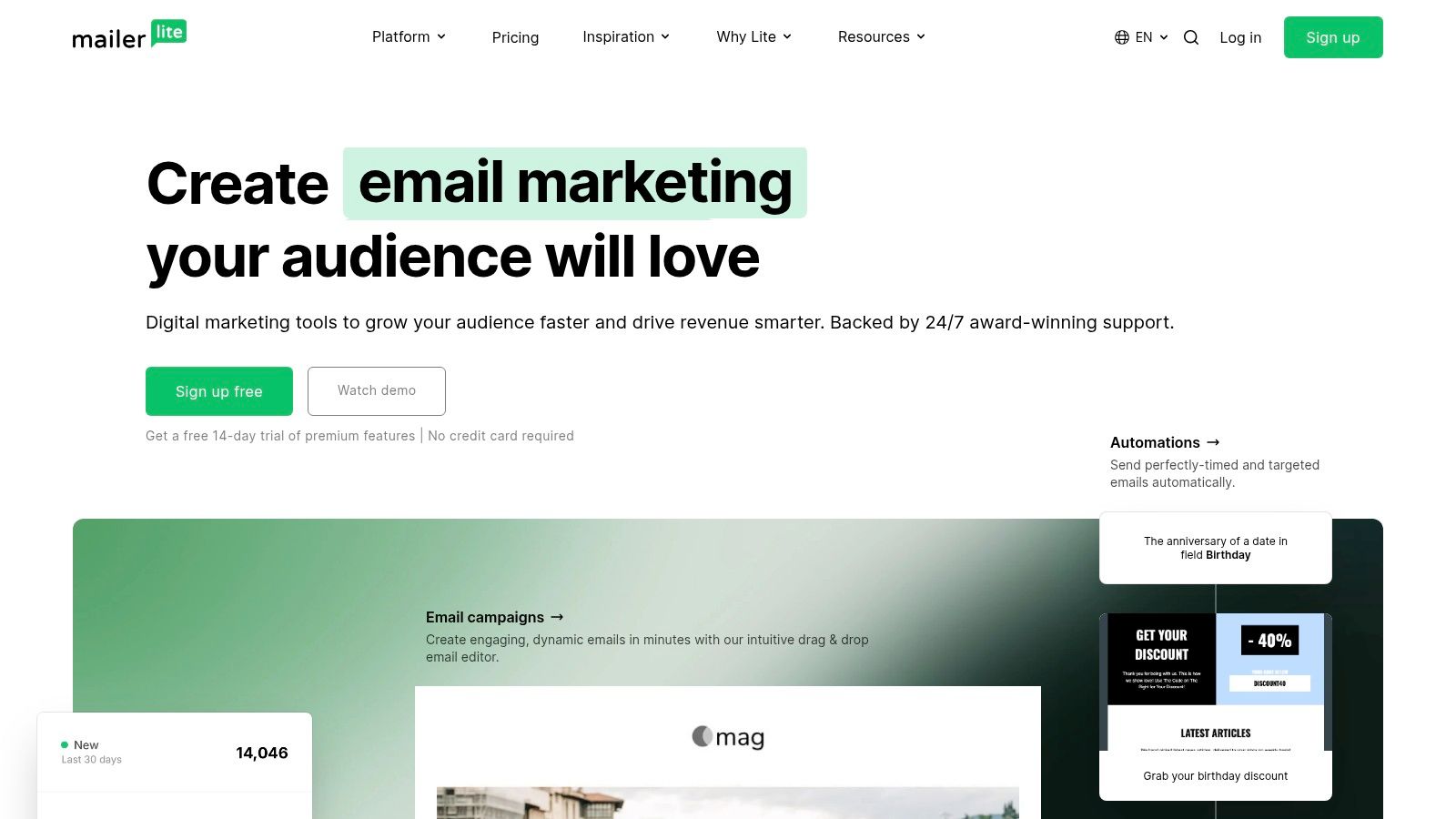
Campaigns, visual automations, landing pages and signup forms in one place, with a free plan covering 250 subscribers and 2,500 monthly sends. That's enough to run a welcome series and a monthly newsletter without a card on file, and the upgrade path is a straight line rather than a cliff.
Keep the automation simple until you have 300 real subscribers. A three-email welcome sequence that sends reliably beats a sixteen-branch journey nobody finished building.
The trade-offs are honest ones. Automation logic is basic compared with ActiveCampaign, and pricing scales with subscriber count, so a list that grows quickly costs more each month. Newer plan structures may not match what an existing account was sold, which is worth checking before you migrate anything.
It suits creators, consultants and small shops sending a newsletter with a follow-up series. It doesn't suit anyone who needs behavioural branching on purchase history, because it isn't trying to do that.
9. Kit
Kit earns its place through monetisation, not automation depth. If you sell a course, a paid newsletter or a digital download, the tools for audience building and selling sit inside the same account.
Broadcasts and subscriber management are the core. Visual automations and email sequences appear on paid plans, so the free tier is better read as a newsletters-and-one-sequence tier. Paid Creator plans add the sequence builder, landing pages, digital product delivery and paid subscription tools, and prices rise with subscriber count.
Why a sequence is not the same as a burden
Automation should reduce interruptions, not multiply them. A 2025 survey of more than 6,000 knowledge workers found 68% said email overload directly contributes to workplace stress and burnout, 45% said email harms work-life balance by extending working hours, and 85% receive work communications after hours, according to Swizero's email statistics roundup.
That reframes what a good sequence does. Fewer, better-timed messages that respect quiet hours beat a daily drip engineered to maximise opens. If you're drowning before you've written a single campaign, read our piece on reducing email overload without losing control first.
- Fits: creators whose income depends on an audience and who want sells inside the same tool.
- Doesn't fit: sales teams needing pipeline logic, or anyone whose automation needs conditional branching on behaviour.
10. Omnisend
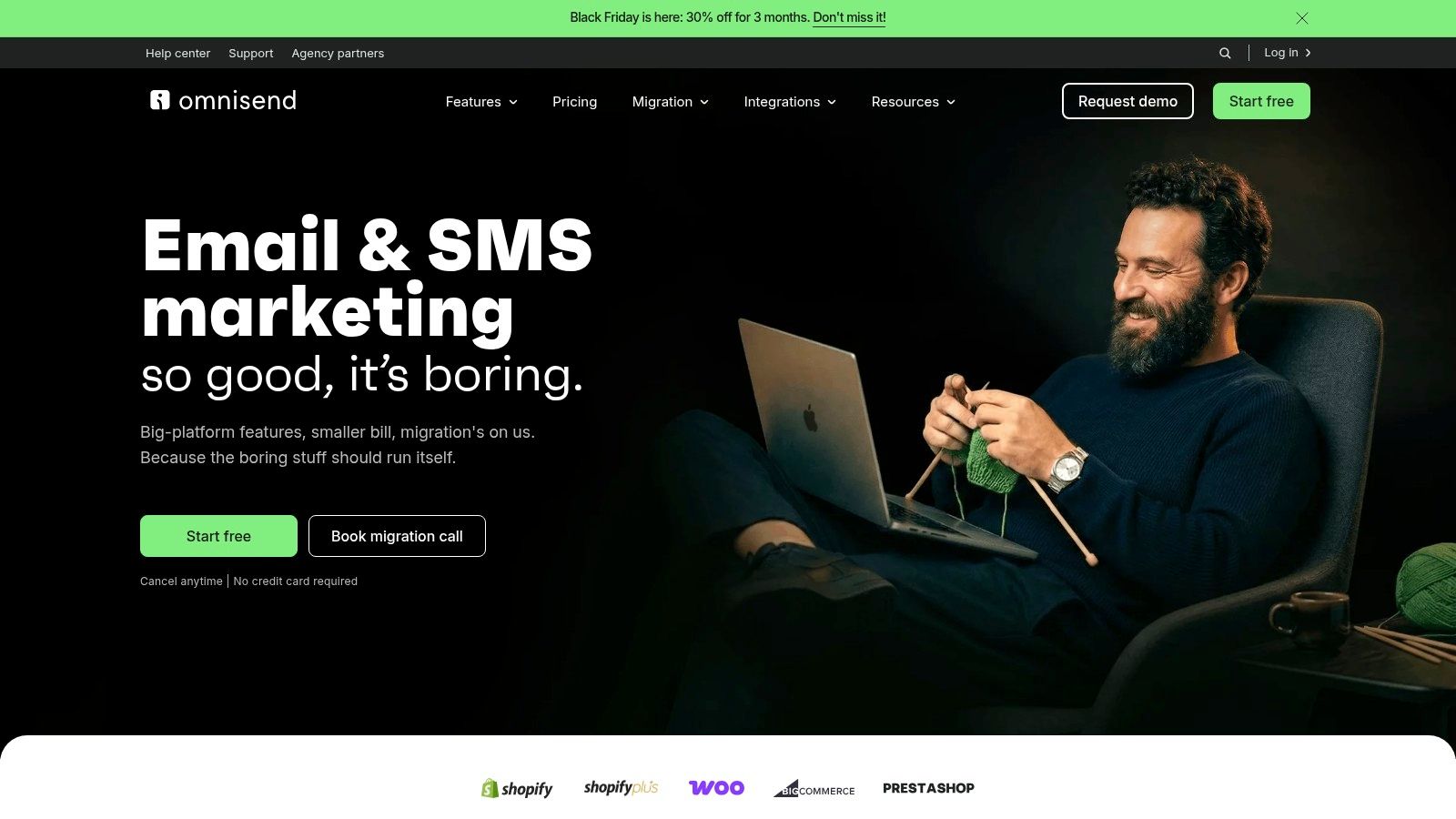
Omnisend ships prebuilt ecommerce flows, which is the right answer for a store owner who has never built a journey. Abandoned cart, welcome, post-purchase and win-back arrive as templates you can switch on, with email, SMS and web push sharing one automation.
The efficiency argument for those flows is strong. Omnisend's ecommerce data found automated emails generated 37% of email-driven sales while accounting for 2% of total email volume, as reported by Tabular's email marketing statistics. That is a share ratio rather than proof that automation created the revenue, and it shifts with sector and attribution model. It still shows where the advantage lies.
The limits to read before you sign up
The free plan covers 500 emails a month and up to 250 contacts, which works as a trial rather than a home. SMS sits outside plan pricing, so a journey that spans channels costs more than the headline figure. Billable contacts can include non-subscribers receiving automated messages, which surprises stores whose order data feeds the flows.
Prebuilt flows are a fast start and a poor finish. Once the basics run, expect to rewrite the copy and split the offers, because every store's cart abandonment reason differs.
Omnisend fits ecommerce teams who want campaigns live in days. It does not fit anyone trying to manage the inboxes they already read, and cross-mailbox AI assistant access is not part of the offer.
How the email automation tools compare on pricing, best use, and inbox versus campaign focus
The main split is the job: send campaigns to an audience, or manage mailboxes a person already reads. That choice sets the pricing model, the setup work, and whether an assistant can act across accounts.
| Item | Pricing model | Best for | Inbox and mailbox handling | AI agent access |
|---|---|---|---|---|
| Sickle | $8.99 monthly or $30 annually; 7-day trial | Managing personal and work email across multiple accounts | Gmail, Outlook, iCloud, Fastmail and IMAP in one Mac app, with cleanup for lists, senders and old unread mail | Included hosted connector; works without the Mac app; read, change and send scopes with send approval and revocation |
| ActiveCampaign | Contact- and feature-tiered plans | Condition-based marketing journeys coordinated with sales | Campaign audience and sends; no unified personal mailbox | Audience automation only |
| Mailchimp | Tiered plans capped by sends and automation depth | Newsletters and automated marketing follow-ups | Subscriber lists and campaign sending; no unified personal mailbox | Audience automation only |
| Brevo | Volume-based pricing tied to sends and plan features | Organizations with large lists and lower send frequency | Marketing and transactional sends; no unified personal mailbox | Audience automation only |
| HubSpot Marketing Hub | Free tools, then feature-tiered plans | CRM-based marketing and lead generation | Campaign email tied to CRM records; no unified personal mailbox | Audience automation only |
| Klaviyo | Audience- and channel-based tiers | Ecommerce lifecycle marketing using customer activity | Ecommerce email and SMS campaigns; no unified personal mailbox | Audience automation only |
| Customer.io | Usage-based tiers with a higher entry point than newsletter tools | Event-driven messaging for SaaS and digital services | Customer messaging across product channels; no unified personal mailbox | Audience automation only |
| MailerLite | Free plan; paid tiers scale by subscribers and features | Small businesses and creators starting with email marketing | Campaigns, subscribers and signup forms; no unified personal mailbox | Audience automation only |
| Kit | Free plan; paid tiers rise with subscriber count | Creators, publishers, and newsletter businesses | Broadcasts and subscriber management; no unified personal mailbox | Audience automation only |
| Omnisend | Free plan; channels such as SMS can add cost | Ecommerce stores using automated customer journeys | Ecommerce campaigns with email, SMS and web push; no unified personal mailbox | Audience automation only |
Matching an Email Automation Tool to the Work You Actually Do
Decide the problem first. Outbound: sending welcome sequences, promotions, onboarding and win-back campaigns to a list you own. Inbound: finding, cleaning and answering the mail already sitting in three or four accounts. Campaign platforms solve the first and barely touch the second. Mailbox tools solve the second and don't send marketing email at all.
If you run both, you need both. That's two subscriptions, and pretending otherwise leads people to force a newsletter platform into inbox triage it can't do.
For the outbound decision, the pricing model tells you more than the feature grid. Contact-based pricing rewards high volume of low frequency, which suits ecommerce stores with big lists and campaign bursts. Send-based pricing rewards large lists that mail rarely. Pick the model that matches your sending rhythm and the feature comparison gets easier. Ecommerce teams making that call can cross-check brand-level shortlists against these Comredix ecommerce email marketing rankings.
For the inbound decision, ask three questions before you connect any assistant. What can it read? A connector that reaches every mailbox including a company IMAP server is more useful than one bound to a single Gmail address. What can it change? Marking read, moving and drafting are recoverable. Sending is not, so the send step should ask for approval each time. What can you reverse? Trash beats permanent deletion, and every permission should be revocable without deleting the account.
Sickle's agent tools cannot permanently delete mail, which is the right default for anything acting across client correspondence. You can remove mailboxes and revoke assistants yourself at sickle.app, and revoking should be the first thing you test, not the last.
Then test small. One account, one week, one workflow: find unanswered threads, for example, or clear newsletters. Measure what the assistant got right and what you had to correct. Widening to every mailbox before that test passes is how people end up with an agent that files a client's email into an archive nobody opens.
Sickle brings your Gmail, Outlook, iCloud, Fastmail and any IMAP mailbox into one native Mac app, then lets Claude, Codex or Cursor search, read and organize those same accounts through a hosted connector that runs even when your Mac is off. Permissions are split into read, change and send, each revocable, and no agent tool can permanently delete a message. Visit Sickle to connect your first mailbox and run a one-week test on the workflow that costs you the most time.